Make business messages feel verified and actionable.
Send branded RCS messages with suggestion chips, delivery and read visibility, two-way replies and automatic SMS fallback, through the same Sent API.
- Product Carousels
- Suggested Actions
- Rich Cards
- SMS Fallback
- Branded Sender
- Verified Business
A branded conversation customers can trust.
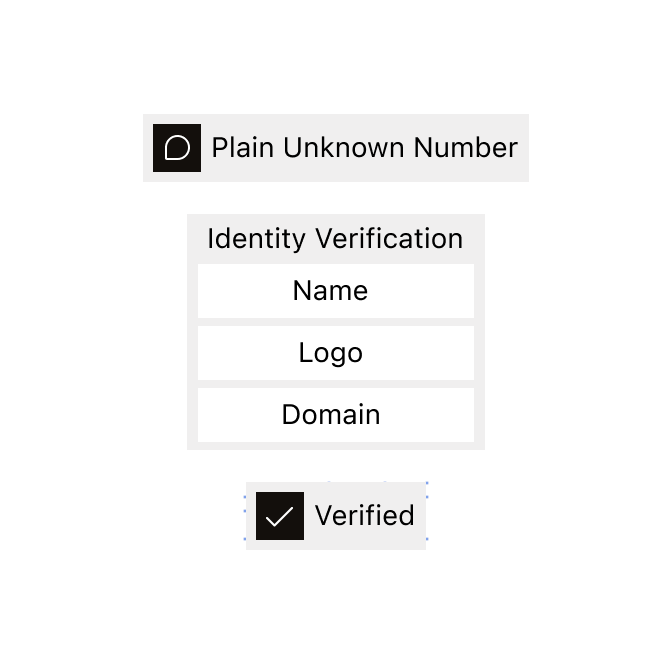
Recognizable from the first message
Show the approved business name, logo and verified identity instead of an unfamiliar sending number.
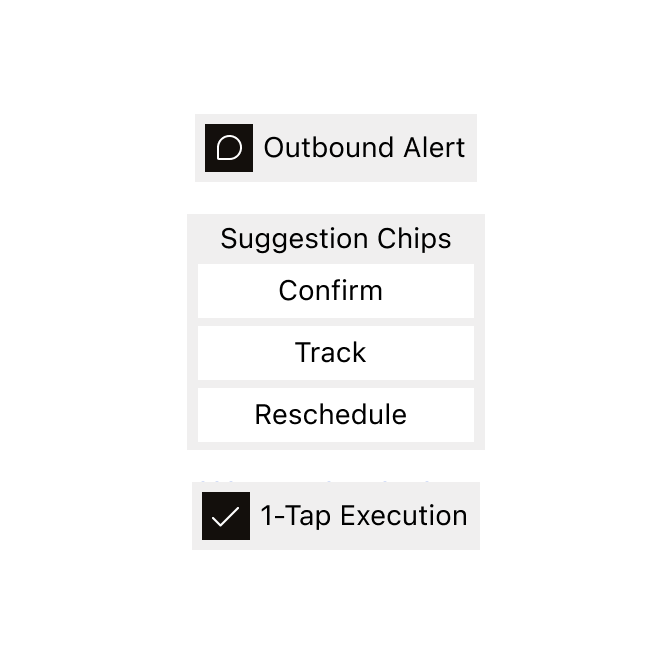
The next step is built in
Use suggestion chips to help customers confirm, track, reschedule or contact support immediately.
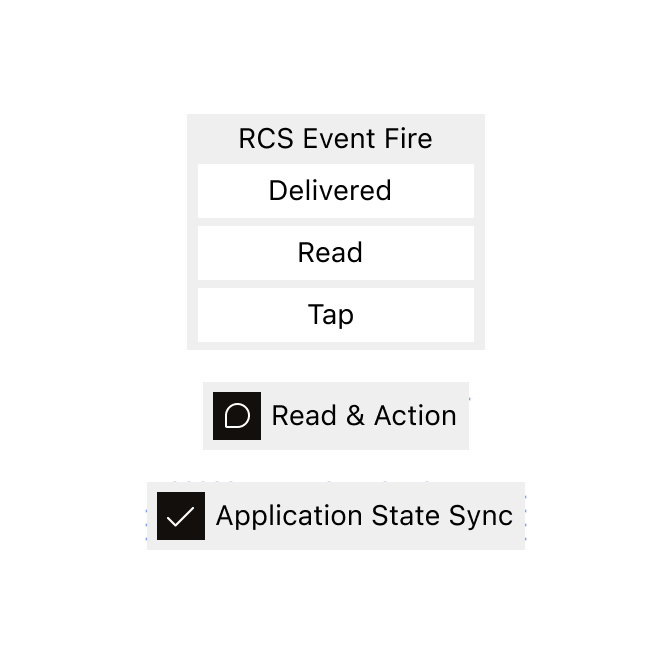
Every interaction stays visible
Follow delivery and read signals, then return replies and chip actions to the product that started the journey.
Turn notifications into next steps.
Help customers complete the next action without searching through another app or website.
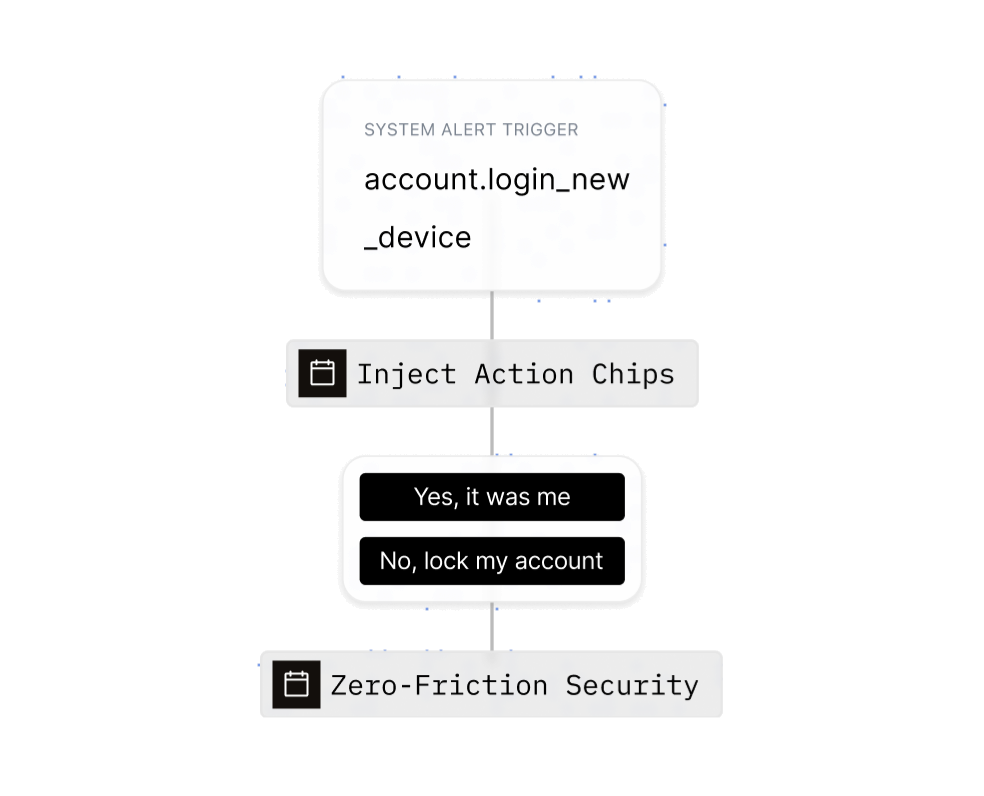
Turn account alerts into decisions
Notify customers about important account activity and let them respond immediately.
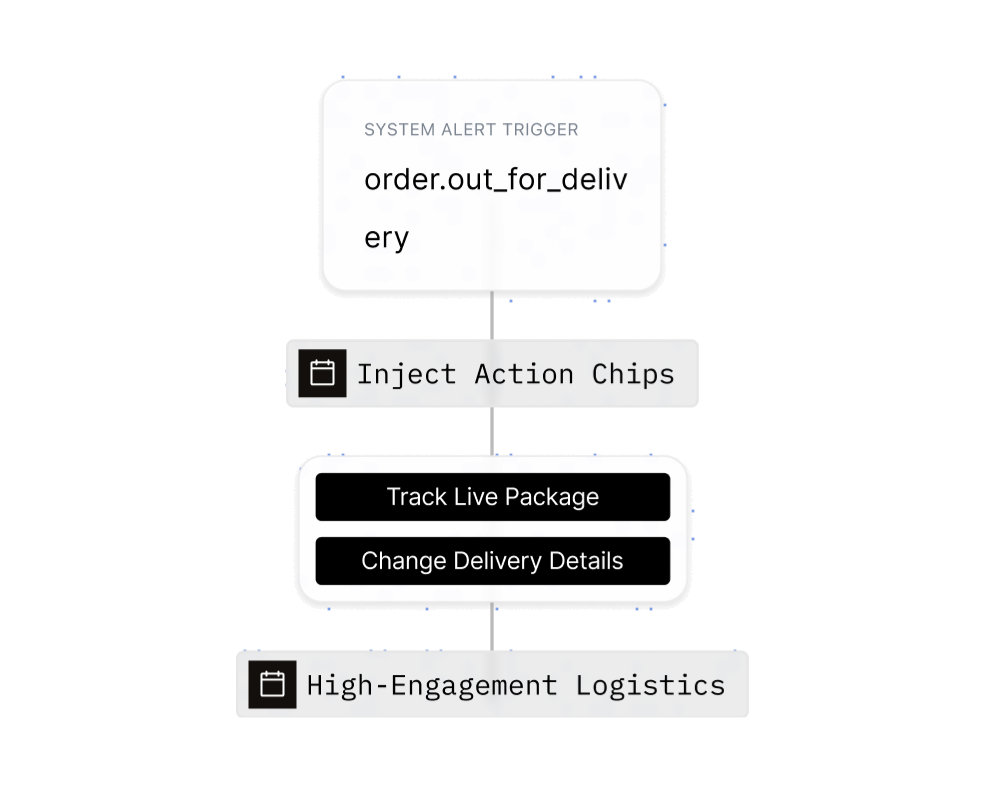
Keep every order moving
Send branded order updates with immediate actions for tracking the order or changing delivery details.
Confirm appointments
Let customers confirm or reschedule directly from the conversation.
Collect useful feedback
Ask one focused question and capture the answer as a structured response.
Resolve support faster
Give customers a direct path to support or the right help content.
A clearer message with the response built in.
Use verified identity, dynamic content and suggestion chips to make the next action obvious.
Communicate through an approved RCS Agent that carries the business name, logo and verified status.
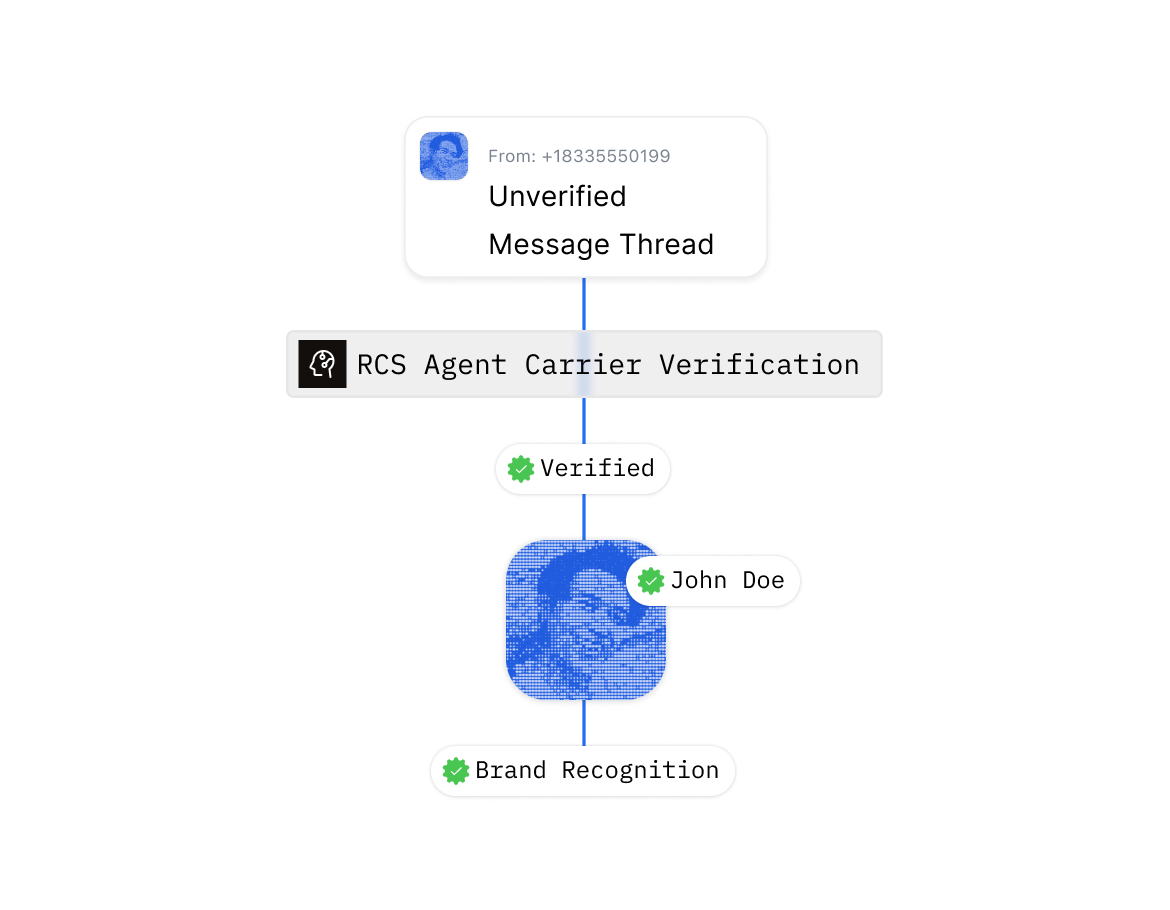
From RCS Agent to approved send.
Sent coordinates the sender, carrier and message approvals required before production traffic begins.
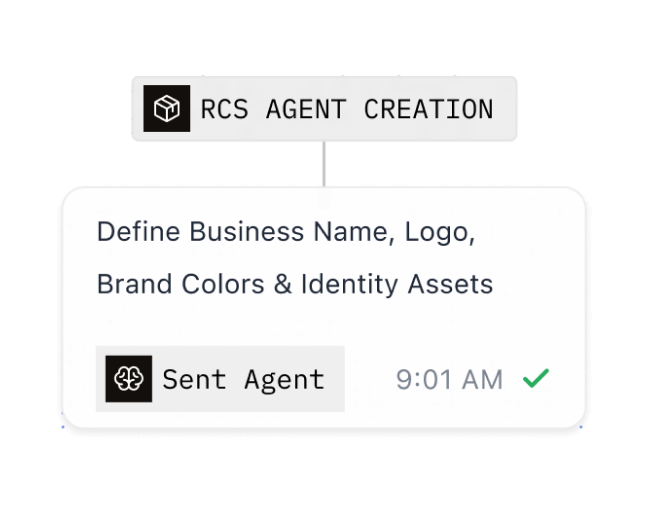
Create the branded RCS Agent
Define the approved business name, logo and identity customers will see in the conversation.
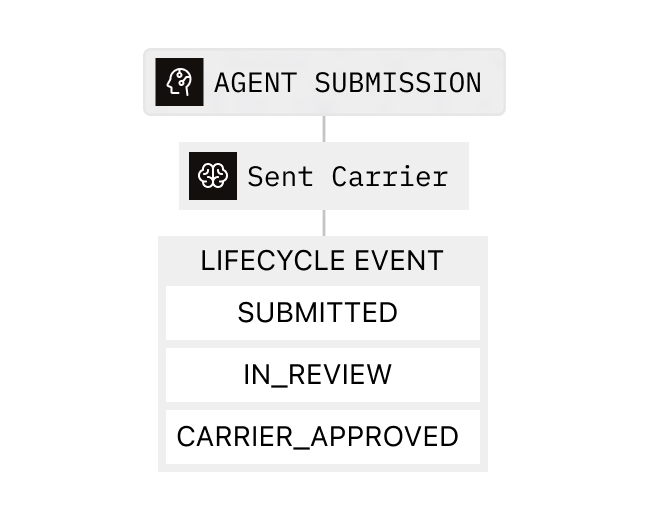
Complete carrier approval
Work with Sent through the one-time review required to activate RCS for production sending.
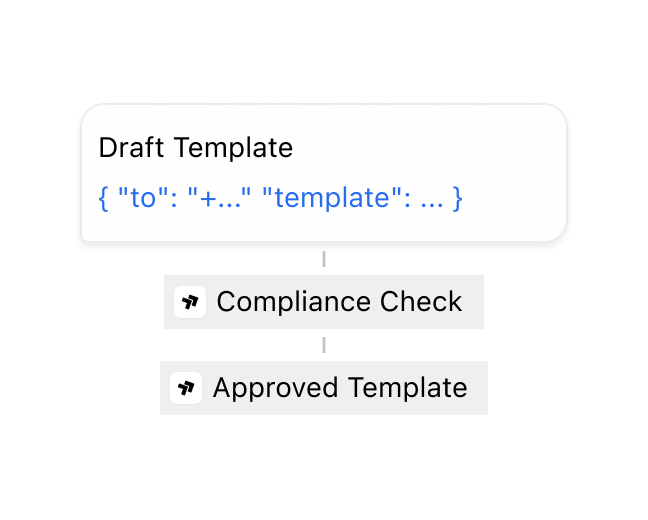
Publish approved messages
Prepare text, variables and suggestion chips, then follow the message template status from the dashboard.
- Verified RCS Agent
- Carrier approval
- Message status
- Built-in opt-out
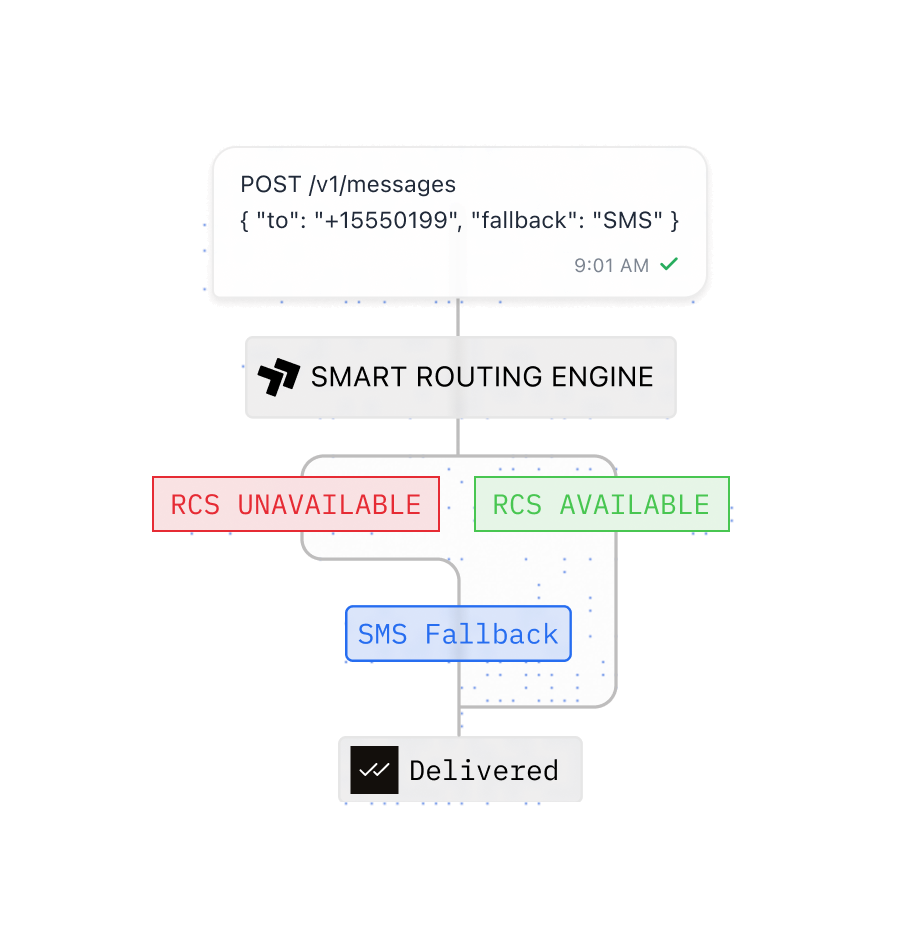
Try RCS first. Fall back without friction.
Sent checks device and carrier availability before sending. If RCS is unavailable, the same message can continue through SMS automatically.
Explore RCS delivery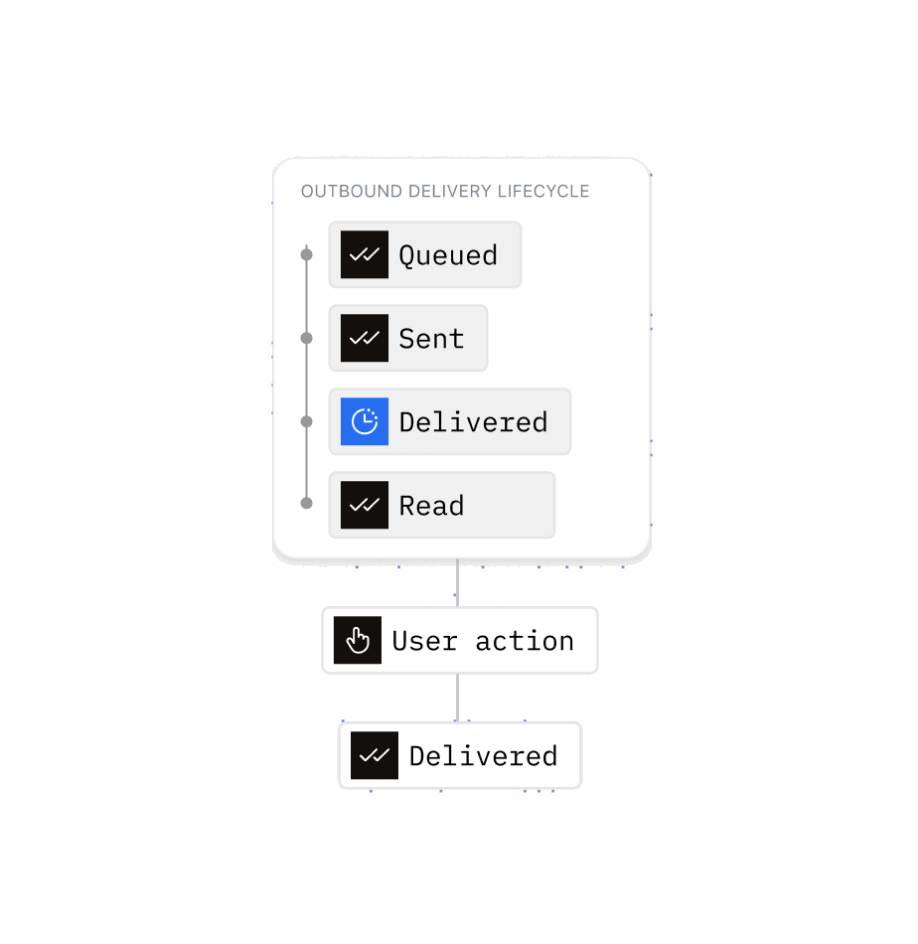
Turn every read, tap and reply into a product event.
Track delivery and read states, then return suggestion-chip actions and customer replies to your product through webhooks.
Explore webhooksThree channels. One consistent way to send.
Use SMS, WhatsApp, and RCS through the same API, templates, routing system, and delivery data.
SMS
Reach almost any phone with fast, reliable messages for authentication, alerts, reminders, notifications, and campaigns.
Read MoreWhatsApp
Create rich, two-way customer experiences with templates, media, conversations, and official WhatsApp Business delivery.
Read MoreRCS
Send branded messages with images, buttons, cards, and carousels, with automatic SMS fallback when RCS is unavailable.
Frequently asked questions
RCS (Rich Communication Services) is the carrier-native successor to SMS. On Android, it appears in Google Messages with nothing to install. Through Sent, RCS messages show your company name, logo, and a verified checkmark instead of a phone number. They also offer tappable suggestion chips and report when a message is read, which SMS can't do.
RCS onboarding with Sent is not self-service. Instead of a phone number, RCS uses a branded RCS Agent with your verified business name, logo, and brand color, and carriers must approve it once. Sent coordinates that approval with you; you start by contacting Sent. You don't need to provision short codes or register numbers with carriers for RCS.
Suggestion chips are tappable buttons shown below an RCS message: quick replies, open-link, and call actions. Sent turns up to four buttons from your template into chips. When a customer taps one, the tap reaches your product as a reply event containing the chip's text, so you handle it like a typed reply.
Not yet. Rich cards and scrollable carousels are part of the RCS standard and are on Sent's roadmap, but they aren't available through Sent today. RCS messages sent through Sent currently show branded text with suggestion chips, which already covers actions like confirming, tracking, or rescheduling.
Sent adds a STOP chip to every RCS message, so you don't need opt-out text in your copy. One tap opts the customer out immediately, the same as replying STOP. The opt-out applies to SMS and WhatsApp as well.
Yes. An RCS message is sent only after its template is approved for RCS. Sent handles the submission and tracks approval separately for each channel. You can follow each template's status in the dashboard or through template webhooks.
One API. Every channel.
Contact Sales