Get users through verification without making them wait.
Deliver OTPs, login verification, password resets, and security alerts through a controlled messaging path with real-time status and fallback.
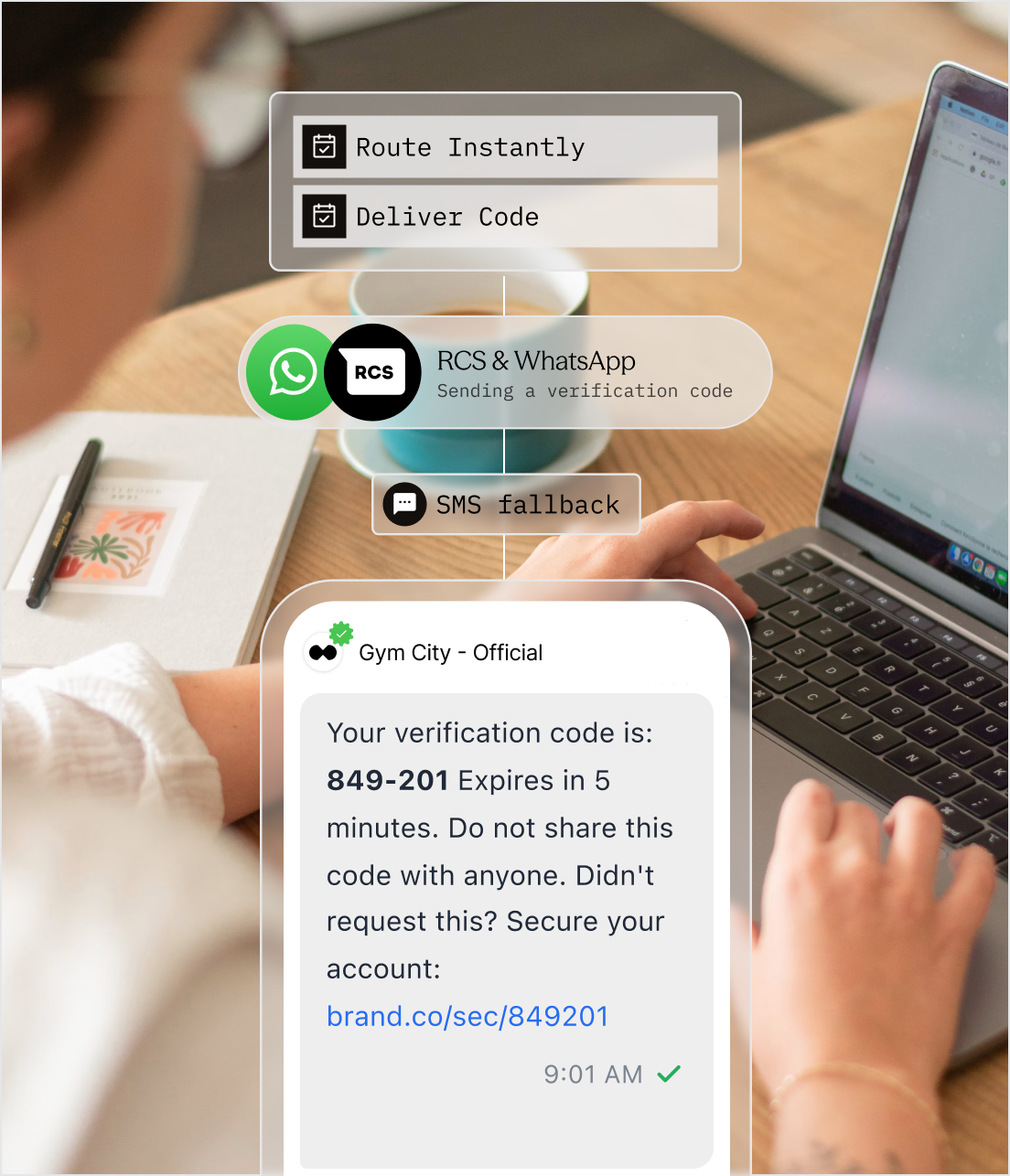
Every second of delivery friction becomes authentication friction.
Users do not distinguish between a messaging route and the product. When the code is late, duplicated, or sent to an unavailable channel, the login experience feels broken.
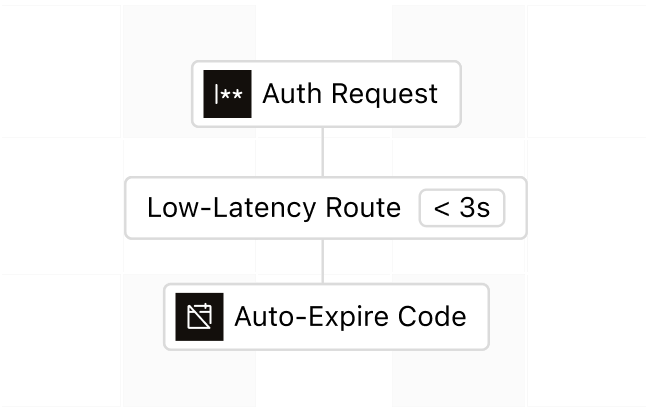
Delay becomes drop-off
A verification code that arrives after the user has switched screens or requested another code creates confusion and abandonment.
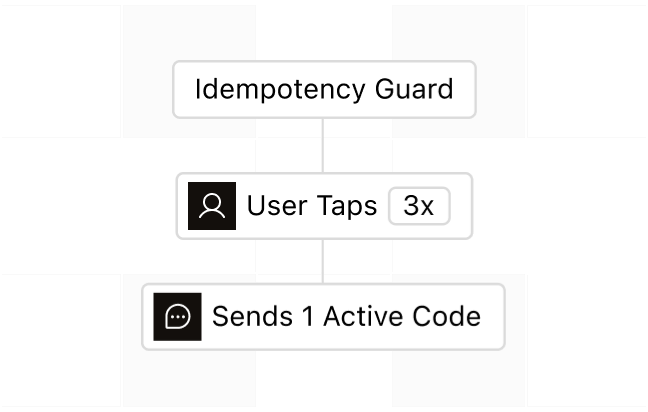
Uncontrolled retries create competing codes
Repeated taps and network retries can issue duplicate sends unless the authentication and messaging states are coordinated.
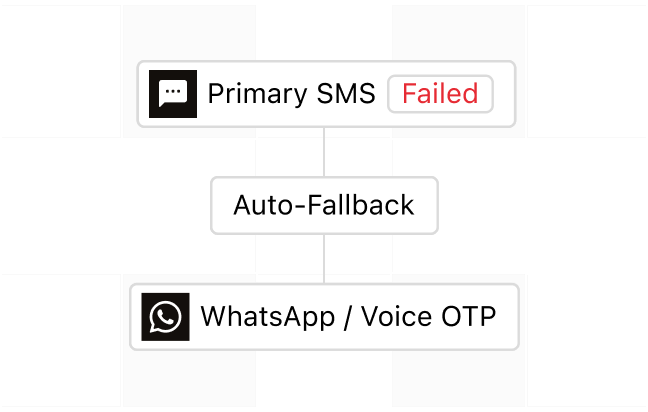
One unavailable route blocks access
Carrier filtering, unsupported channels, or temporary route issues should not silently end the verification attempt.
Meet Sent: reliable delivery for the verification state your product owns.

From verification request to confirmed access
Your authentication service owns the code and verification state. Sent delivers the approved message through the configured route and returns the status of every attempt.
Everything needed for a clear, observable verification flow.
Sent keeps message delivery fast, traceable, and recoverable while your authentication service remains the source of truth.
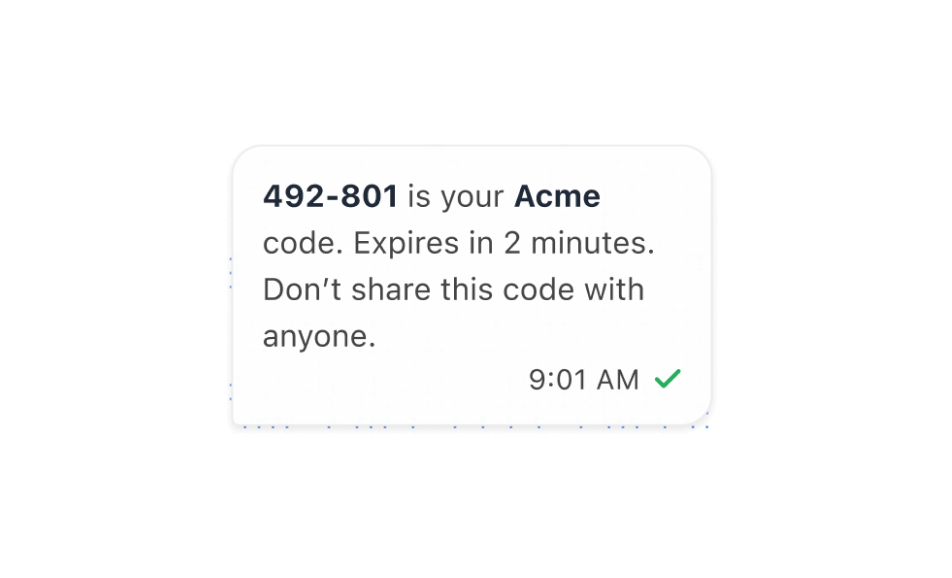
Deliver codes with clear context
Use a dedicated template containing the code, expiry, product name, and a warning not to share it.
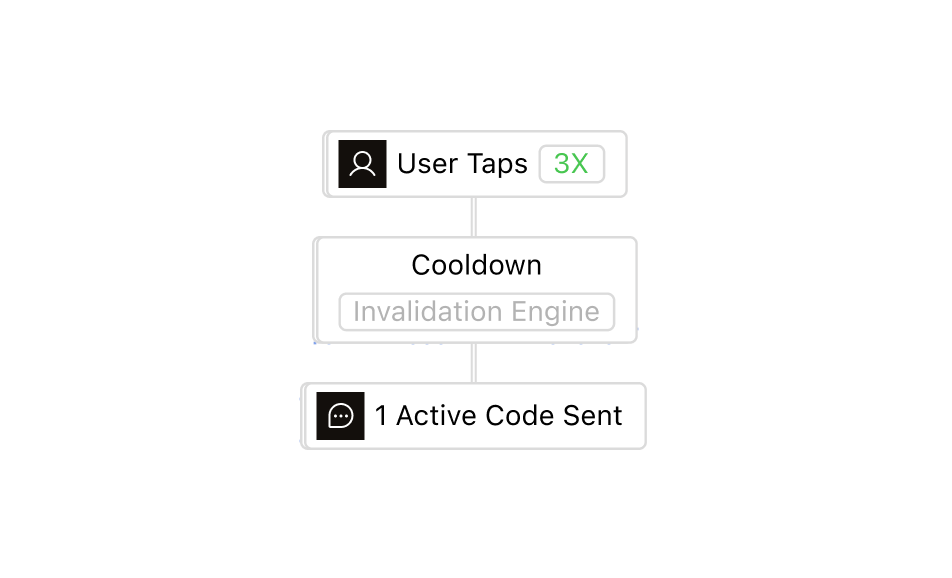
Control the resend experience
Coordinate cooldowns, attempt limits, code invalidation, and idempotent requests so retries do not create ambiguity.
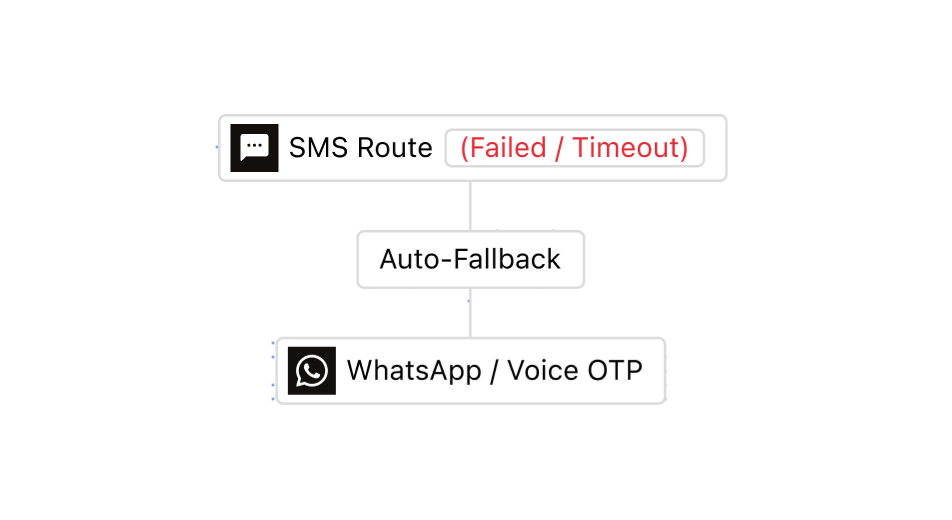
Fall back when a channel is unavailable
Use a defined channel order so a verification attempt can move to another supported route when appropriate.
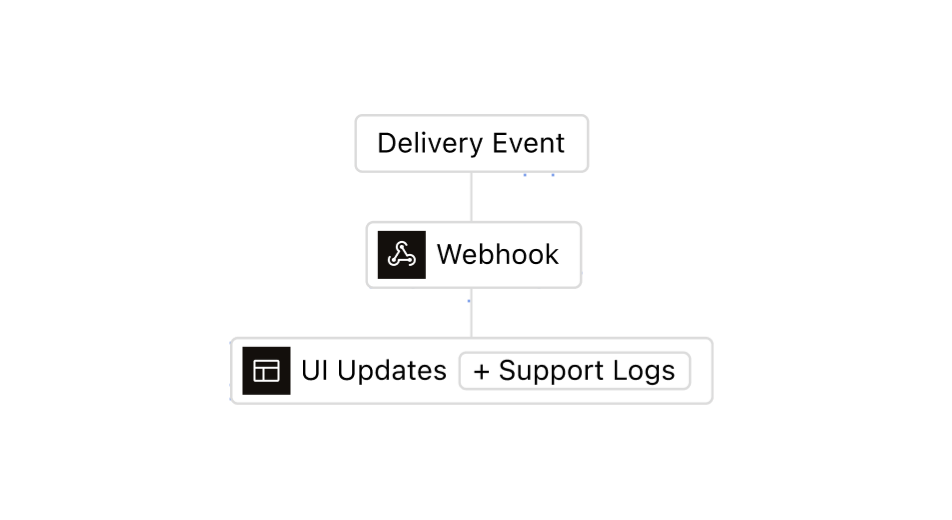
Watch every attempt in real time
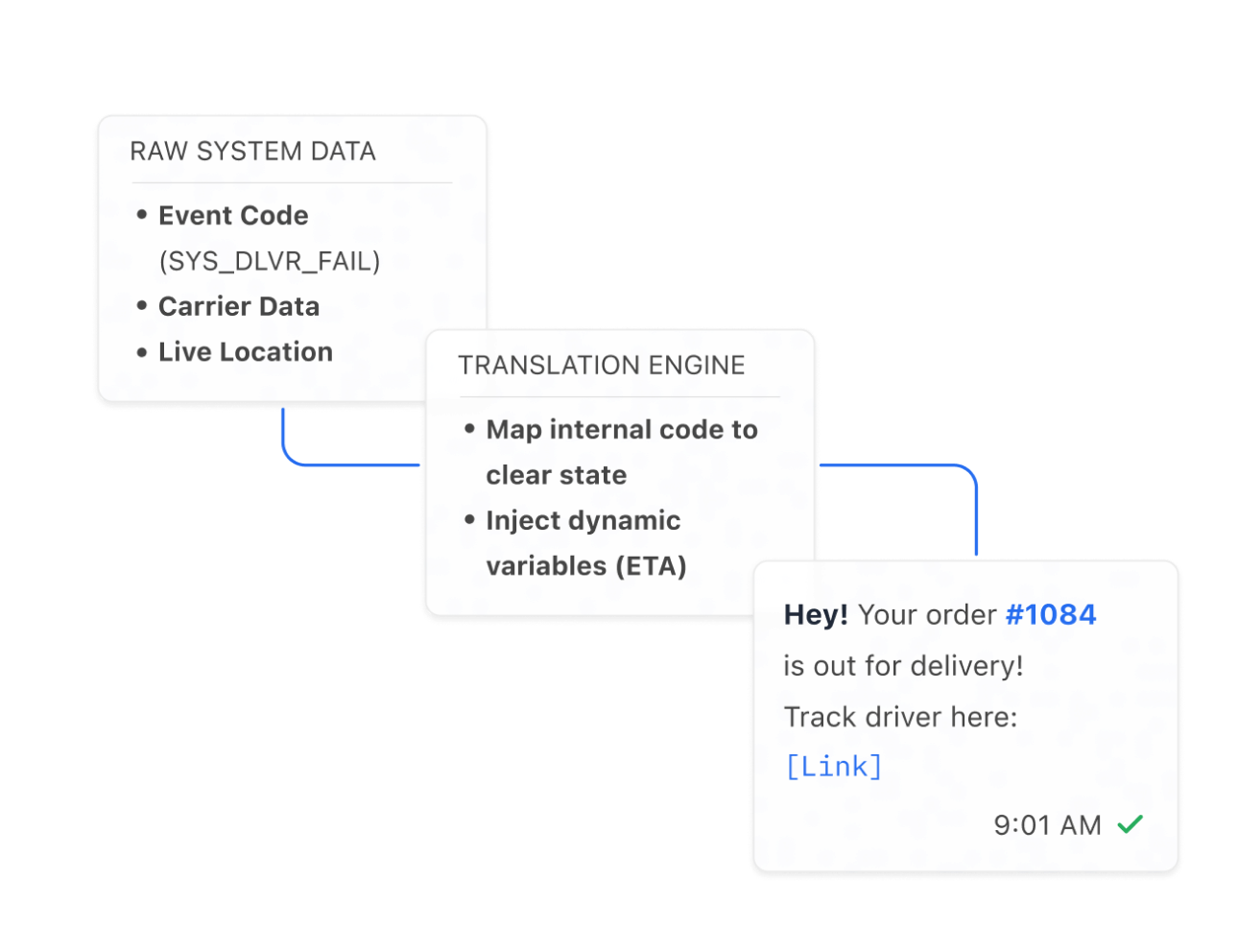
Use message status webhooks to update the UI, enable recovery, and give support a clear failure reason.
Keep authentication logic and delivery logic correctly separated.
Give each system one clear responsibility, then connect the verification session and delivery record with stable identifiers.
Security around every verification attempt.
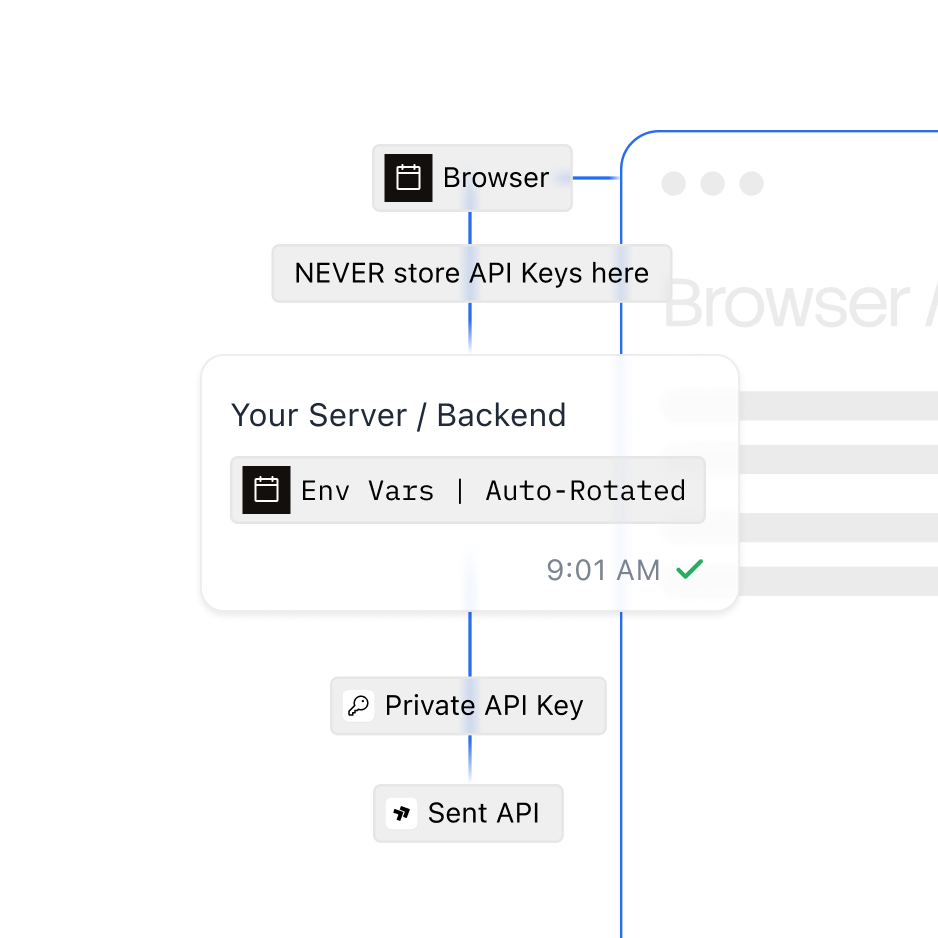
Store keys in environment variables, separate them by environment, rotate them, and never expose them in browser or mobile code.
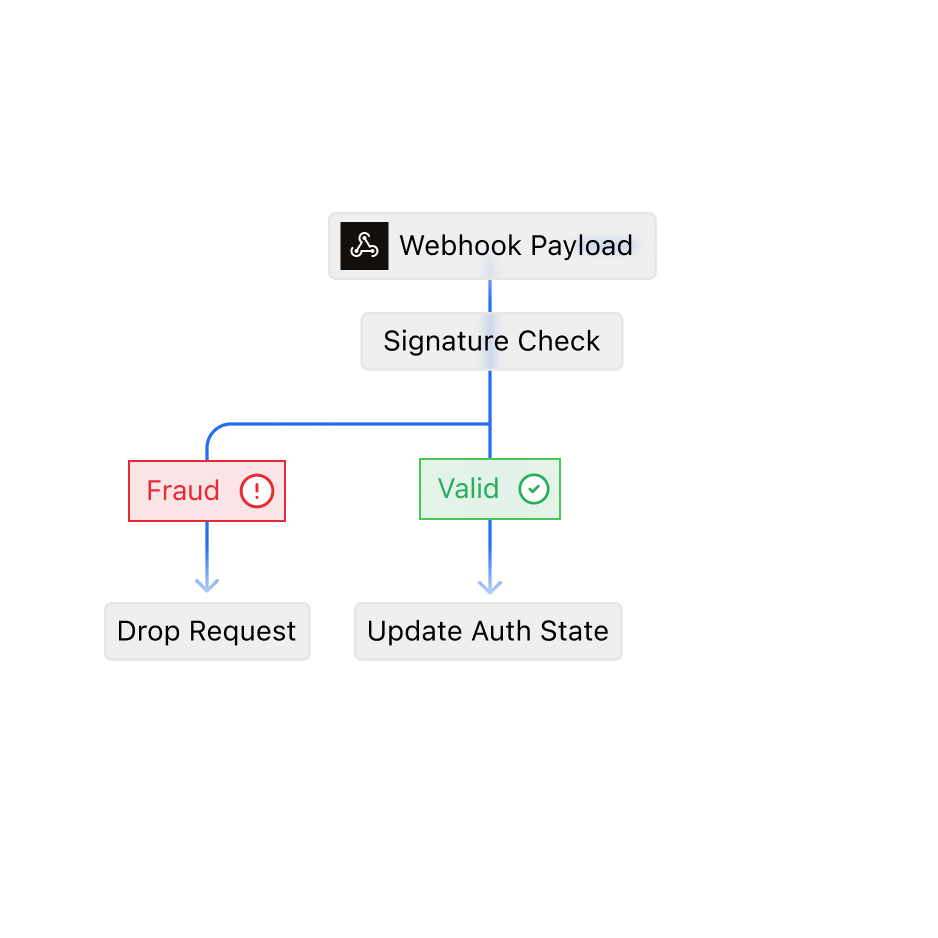
Check the signature on every delivery webhook before it is allowed to change a verification state, and drop any payload that does not pass.
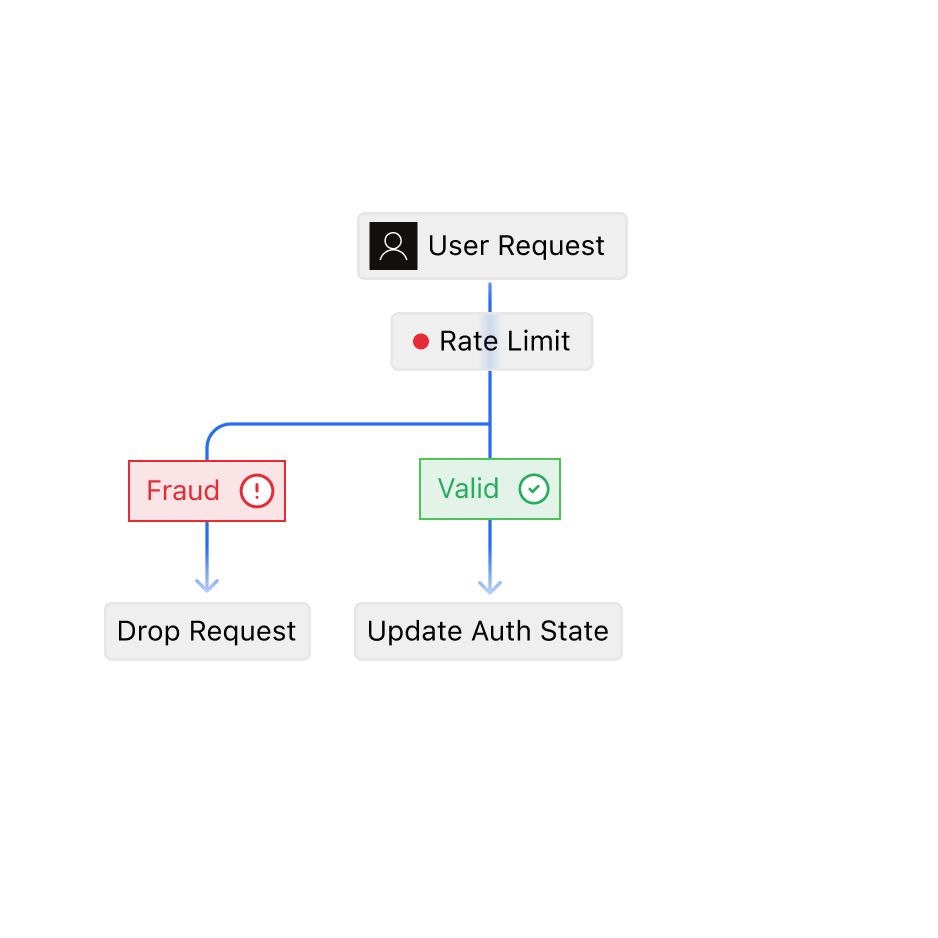
Rate-limit verification requests per user and per number, so repeated or automated attempts are dropped before they reach a route.
One API. Every channel.
Contact SalesFrequently asked questions
Immediately. Once you verify your email and phone number, Sent gives you six pre-built OTP and verification templates. They are already approved on SMS, WhatsApp, and RCS, so no review is needed. Light onboarding allows up to 500 real sends per day per template. Custom templates follow once your full account setup is complete.
The code, how long it stays valid, your product name, and a warning not to share the code. Pass the code and expiry as template variables. On SMS, avoid emoji and curly quotes so the message stays within 160 characters and is billed as one SMS.
Let Sent choose: send without naming a channel. Sent then uses the best channel each user can receive, and if that channel can't deliver, it moves the same code to the next one, ending at SMS. Don't list several channels in one request, because Sent sends a separate code on each channel you list.
Your authentication service controls resends. It sets the waiting time between resends and the maximum number of attempts, and cancels the old code whenever it issues a new one. Each new code is a new Sent request. If your backend retries the same request because of a network error, an idempotency key stops Sent from sending a duplicate.
Store the Sent message ID with the verification session. Status webhooks then report when the code is queued, sent, delivered, or failed, with a reason code if it failed. Your screen can offer "try another way" as soon as a failure arrives. A delivered message doesn't mean the user verified; only your authentication service can confirm that.
Three IDs: your verification session ID, the request ID Sent returns with every API response, and the message ID. With those, support can look up the message's status, the channel it used, the reason code if it failed, and when each step happened. Together these show exactly where the attempt stopped.
Limit verification requests per user and per phone number in your own system, so automated or repeated attempts are dropped before they reach Sent. Keep your Sent API key on the server, never in browser or mobile code. Before any delivery webhook can change a verification state, check its signature to confirm it came from Sent.