Guide users from sign-up to long-term value.
Turn product events into timely onboarding, account, billing, and retention messages, without building a separate delivery stack for every channel.
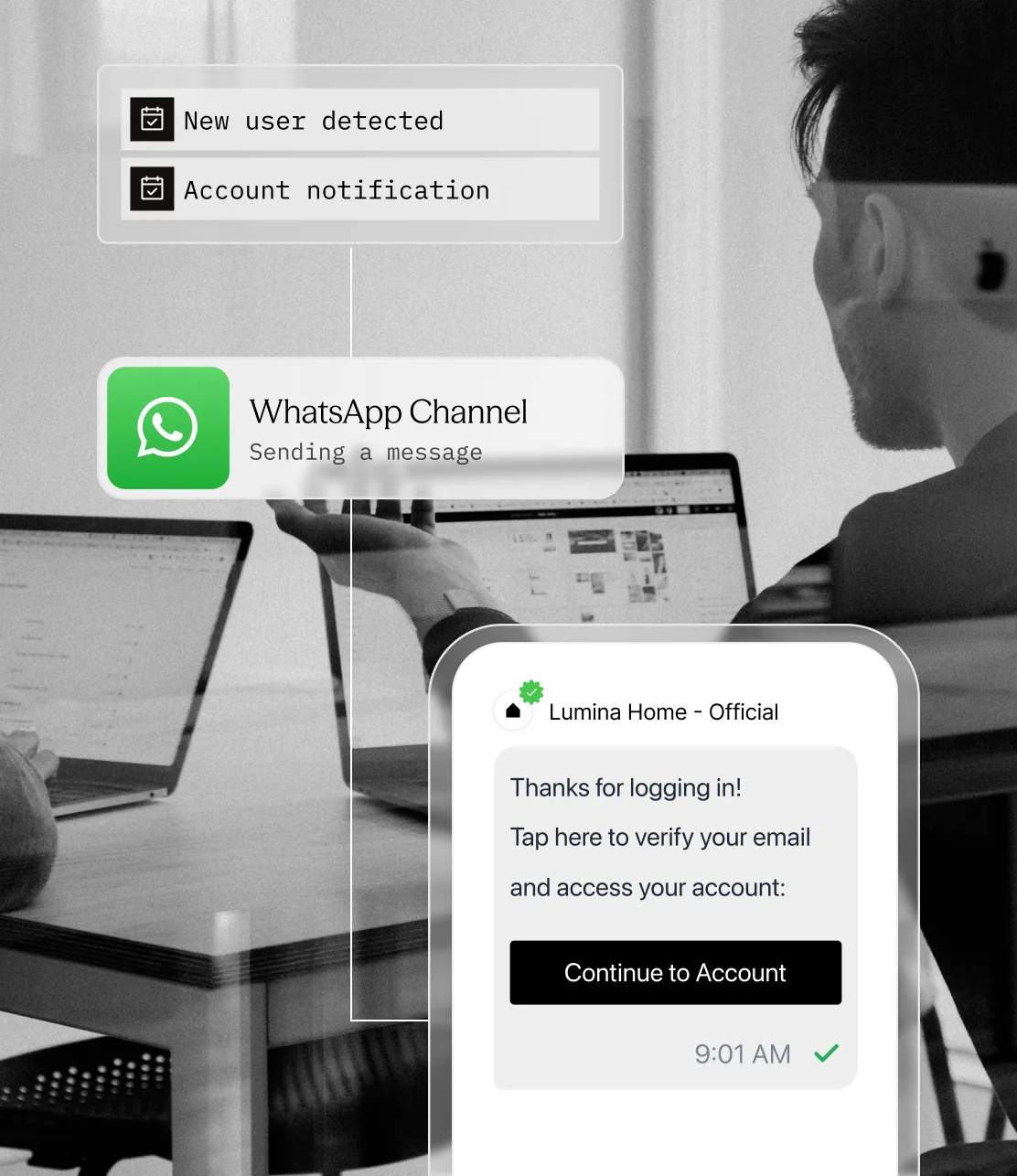
Commerce moves fast. Customer messaging often does not.
A missed setup step, an unseen billing alert, or an unclear security message can interrupt the product journey before the user reaches value.
Onboarding momentum disappears
New users often leave before setup is complete or before they reach the first meaningful outcome in the product.
Critical account messages blend into noise
Password resets, login alerts, and billing issues cannot compete with newsletters and product announcements in the same undifferentiated stream.
Churn signals go unanswered
Falling usage, failed payments, and approaching renewals are visible in product data but rarely become useful customer communication quickly enough.
Meet Sent: product events become the next useful message.
Your application decides what happened and what the user should do next. Sent handles the reusable template, contact reachability, channel delivery, and status event.
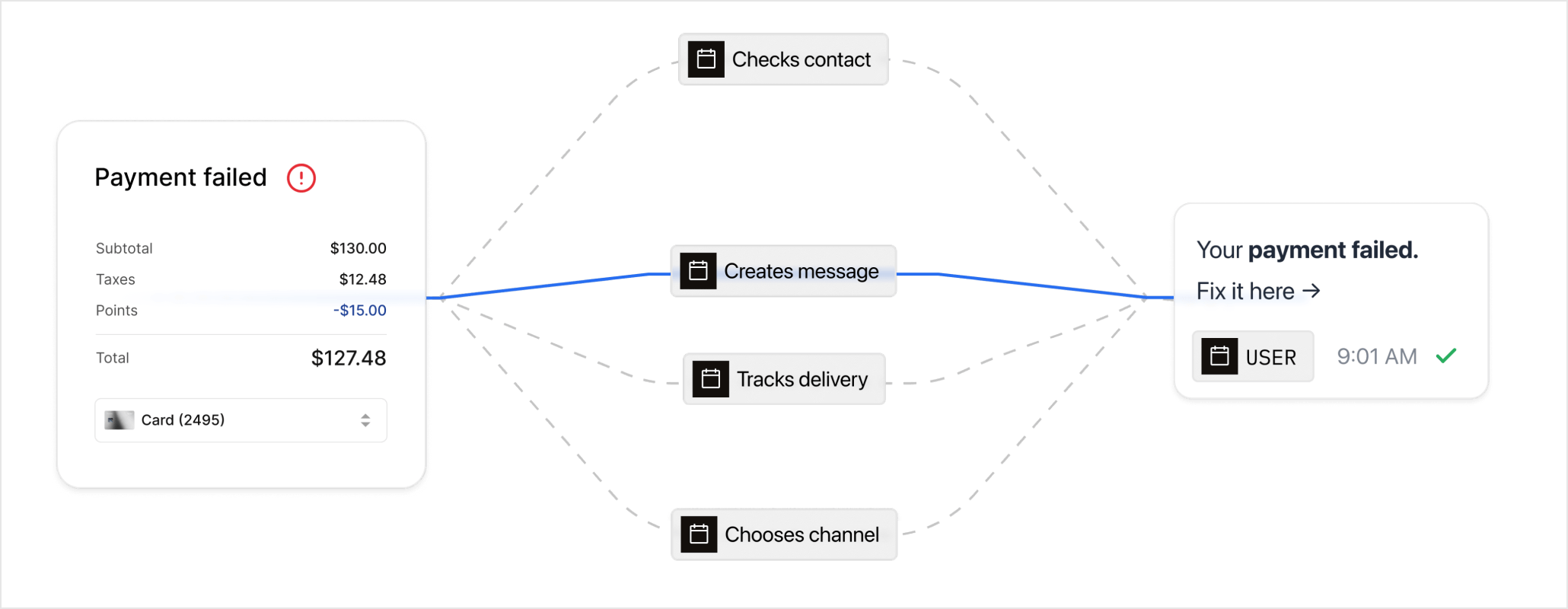
Keep the product journey moving at every stage.
The large cards address activation and account-critical communication. The compact cards cover adoption, revenue protection, and retention.
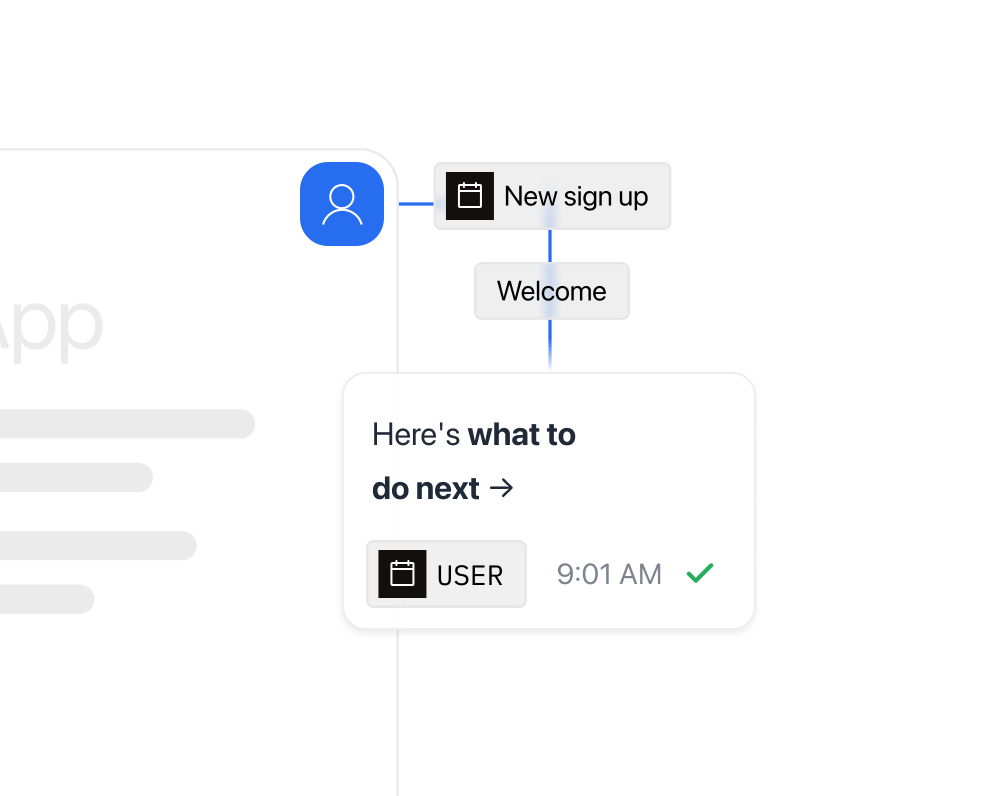
Move new users to first value
Trigger welcome, setup, and milestone messages from real product events. Each message should return the user to the next incomplete action, not a generic dashboard.
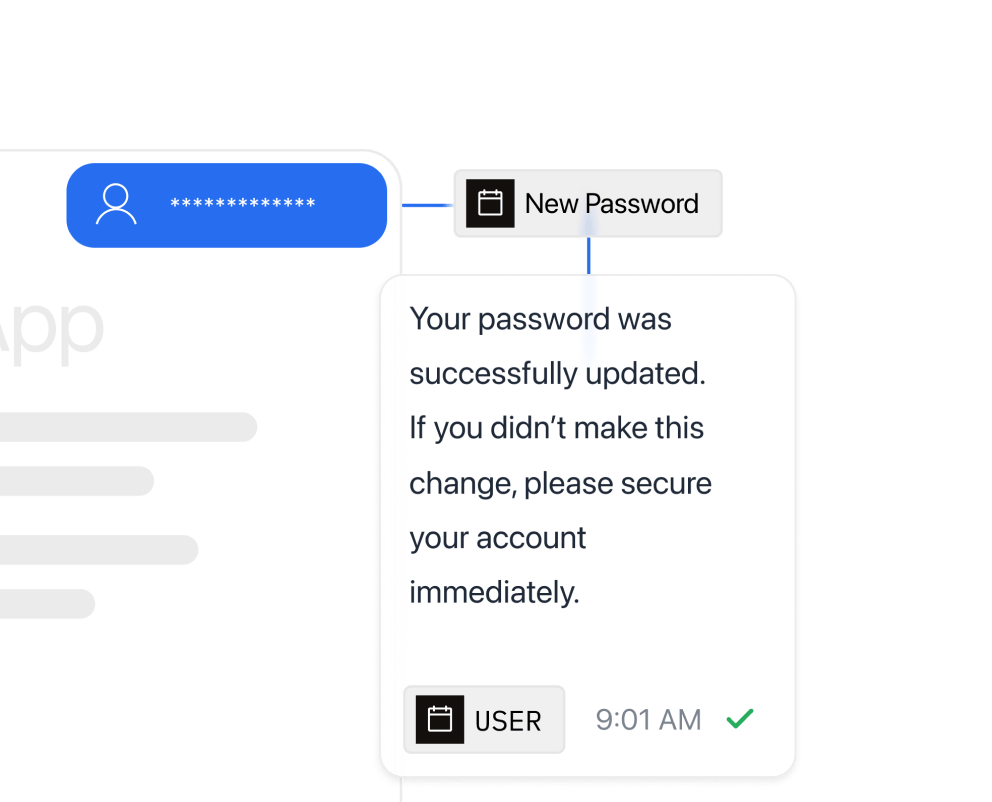
Keep account-critical moments unmistakable
Deliver verification codes, password resets, security alerts, and service notices through a path designed for urgency and visibility.
Nudge feature adoption
Use role, plan, and product behavior from your own systems to introduce the next relevant feature.
Make billing and renewals visible
Send payment failures, trial expiry, renewal reminders, and plan-change confirmations with a clear next step.
Re-engage before users disappear
Trigger a focused win-back message from inactivity or declining usage instead of adding the user to another broad campaign.
Make lifecycle messaging part of the product, not a parallel system.
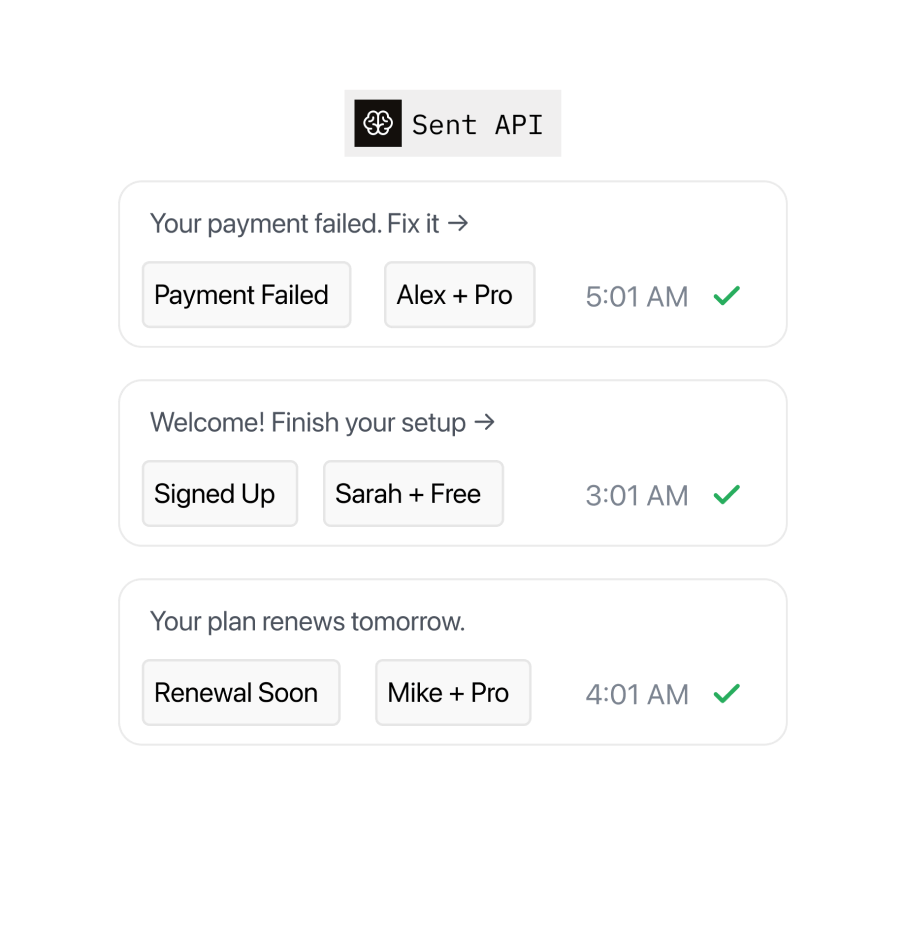
Turn product events into messageable moments
Call Sent from your backend when a meaningful lifecycle event occurs. Reusable templates keep the message structure stable while your application supplies the user, account, plan, and action data.
Keep delivery state inside your product operations
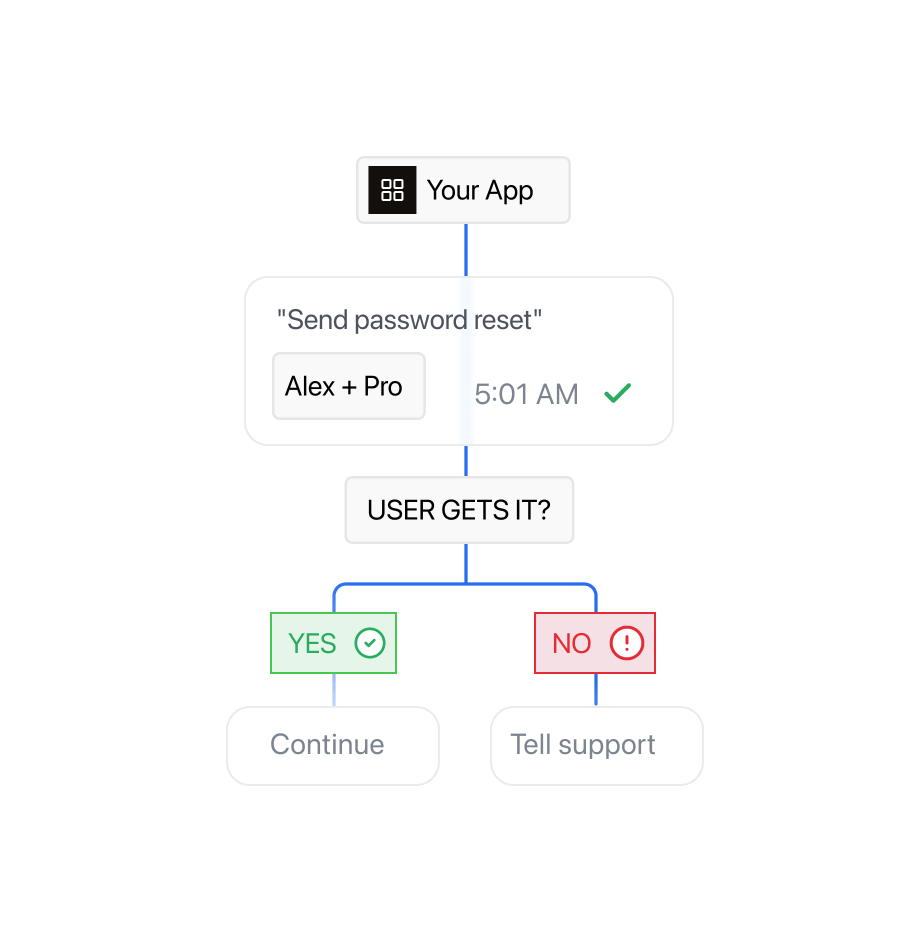
Use message IDs and signed webhooks to update the user record, trigger a support task, or stop a sequence when delivery fails or the user replies.
Protect the account experience as the product scales.
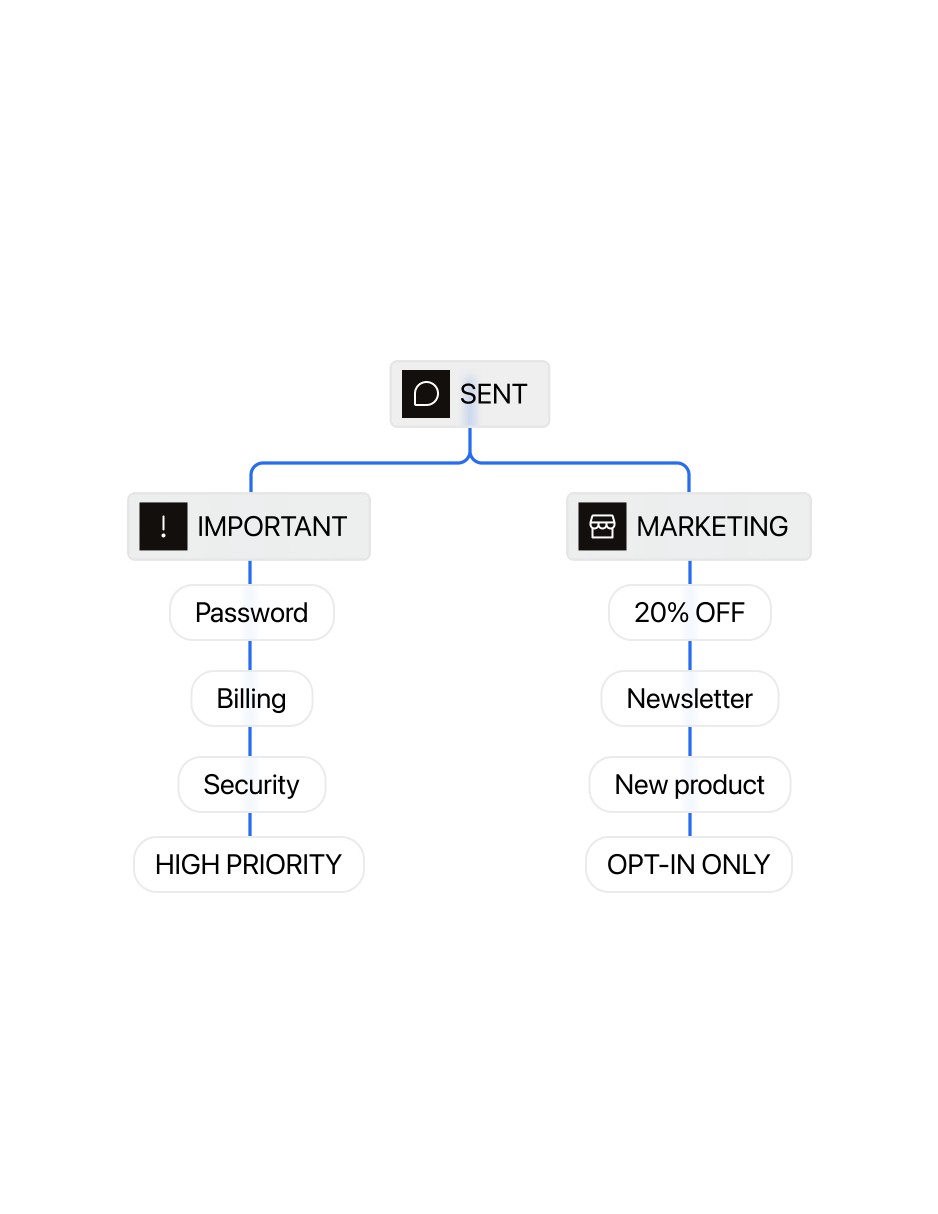
Give security, billing, lifecycle, and promotional messages distinct templates, consent logic, and sending rules.
Verify webhook signatures and use idempotency keys so retries do not create duplicate downstream actions.
Keep credentials, templates, and sending rules separate per environment so a change in development can never reach a real customer.
Frequently asked questions
Sent can deliver any message your backend triggers: welcome and setup steps, verification codes, password resets, security alerts, failed payments, trial expiry, renewals, and win-back messages. Each one is a reusable template. Your application fills in the user, account, plan, and link at send time, so every message points to the user's next step.
Give each purpose its own template and category (authentication, utility, or marketing). In Sent, quiet-hours rules can apply to specific categories and channels, so promotions can wait overnight while security alerts go out right away. One thing applies to both: a user who replies STOP stops receiving all messages, including account alerts.
Sent sends a webhook for every change: delivered, failed with a reason code, or a user reply. Each one carries the message ID you stored when you sent. Your backend can then update the user record, open a support task, or stop the rest of a sequence. Messages already scheduled can be cancelled through the API before they go out.
Add an idempotency key to your send request. If your backend retries the same request, Sent recognizes the key and doesn't send again. On the receiving side, each webhook event has a unique event ID, so your handler can ignore repeat deliveries. Each webhook is also signed so you can confirm it came from Sent.
Yes, through Sent's Sender Profiles. Each of your customers gets a profile with its own templates, contacts, sender numbers, compliance settings, and WhatsApp account. Your organization API key can send as any profile, and one webhook can receive every profile's events, each tagged with the profile's ID.
Create a separate Sent API key for each environment, keep keys on the server, and rotate them regularly. In development and CI, add the sandbox flag to each request. Sent then checks the request fully but sends nothing and charges nothing. Before going live, make sure the sandbox flag is turned off in production.
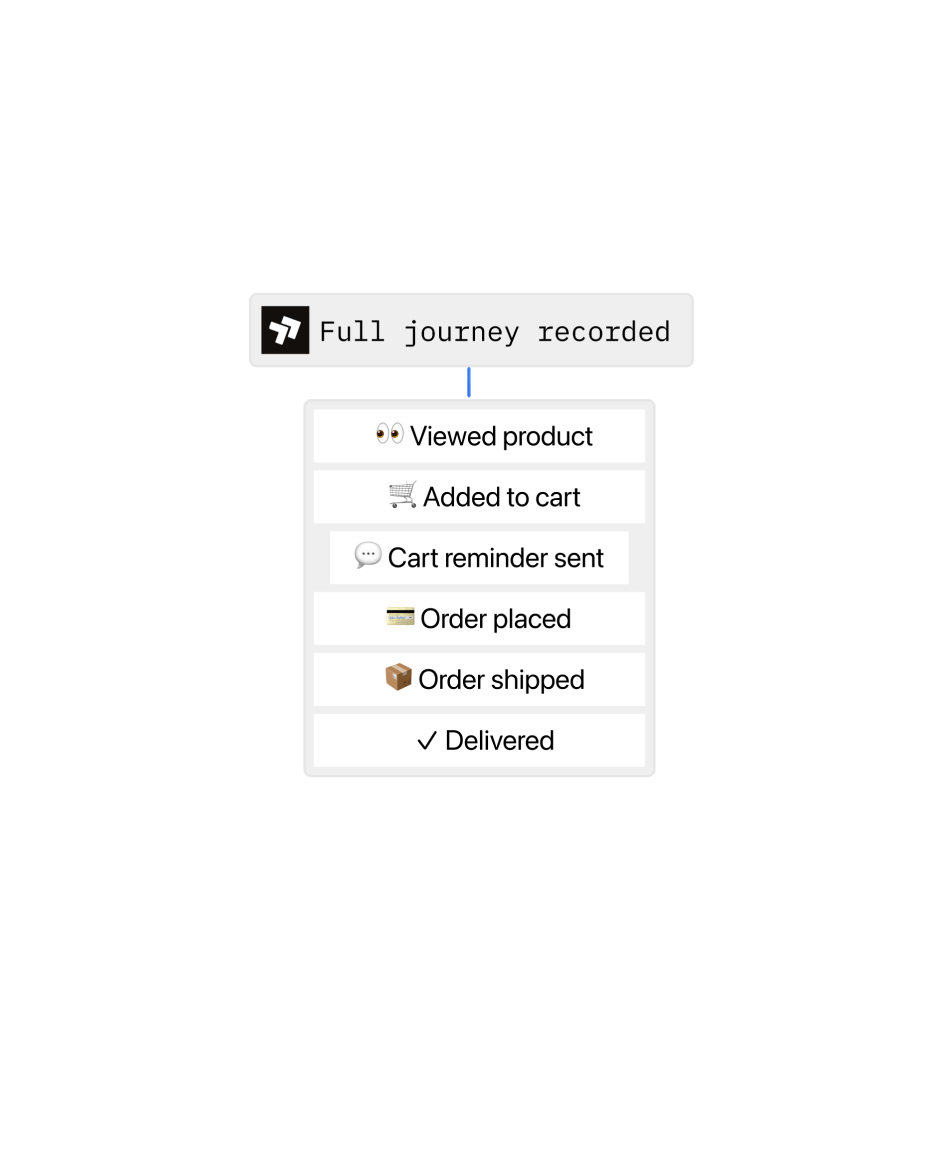
Yes. Sent handles the delivery side: receiving replies, keeping the conversation open, and managing opt-outs. Your support team or AI agent writes the replies through webhooks and the send API. Once a user has replied, your app can answer with free-form text on SMS and RCS. On WhatsApp, free-form replies are allowed within 24 hours of the user's last message. Each user's history stays in one thread across channels.
One API. Every channel.
Contact Sales