Turn every order update into clarity, not a support ticket.
Deliver timely confirmations, shipment progress, delivery windows, and exception alerts from the systems that already run the order.
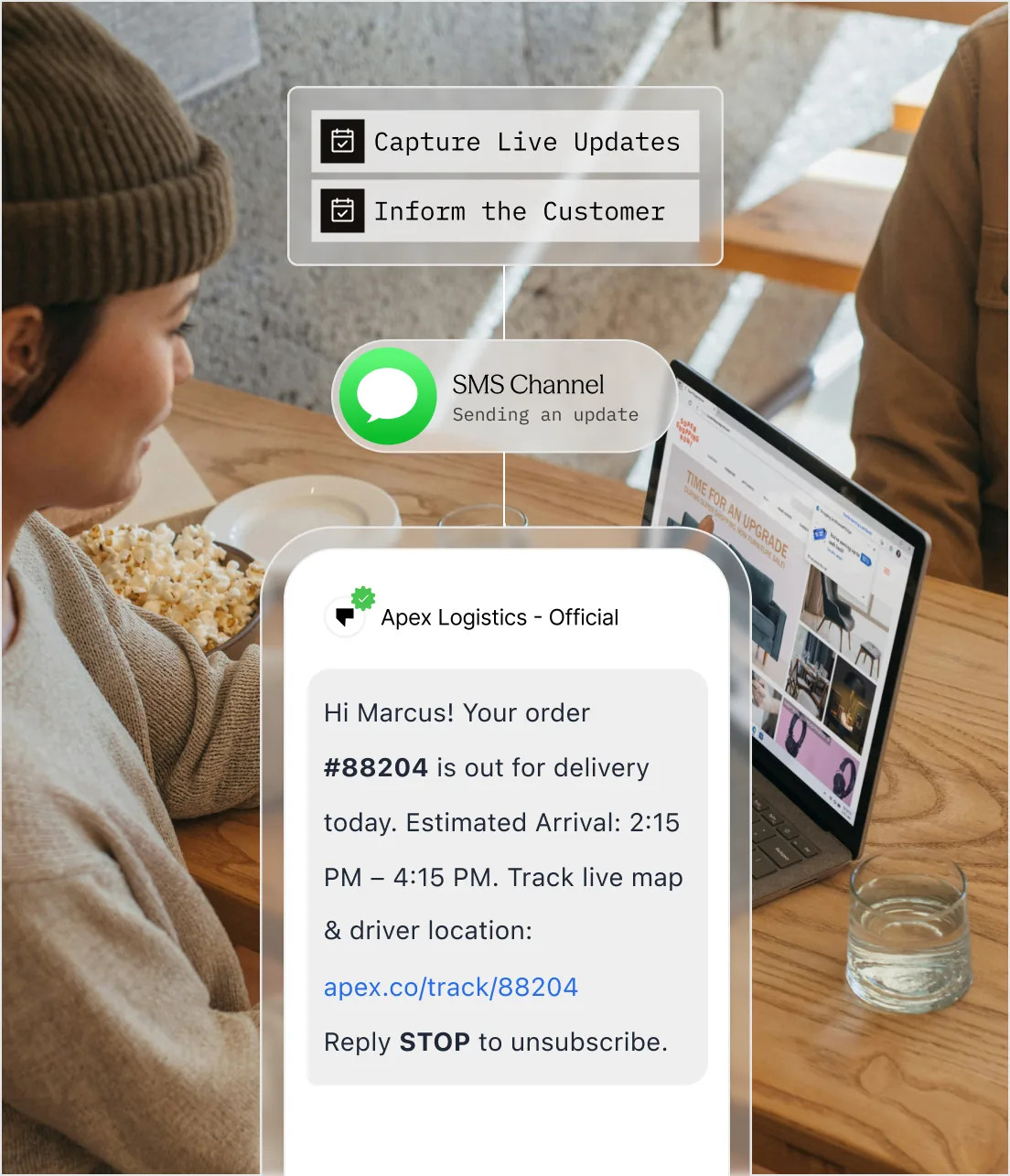
The order is moving. The customer should not have to guess where.
Customers experience the order through its updates. Gaps, contradictions, and late exceptions make even a successful fulfillment operation feel unreliable.
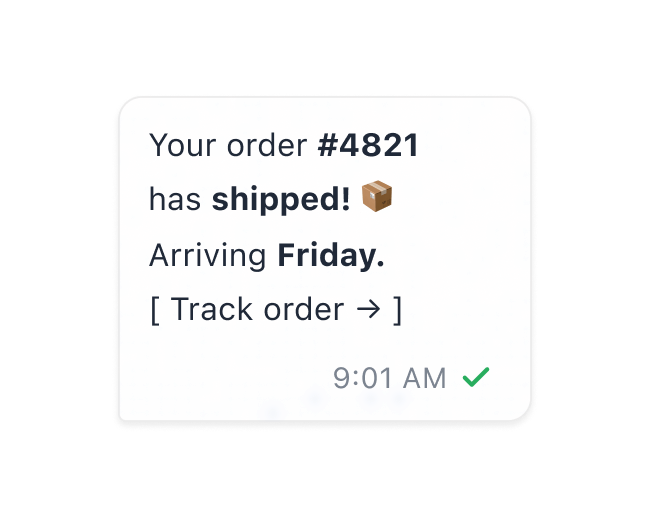
Customers chase status
When confirmation or tracking is unclear, customers leave the product and ask support for the same information.
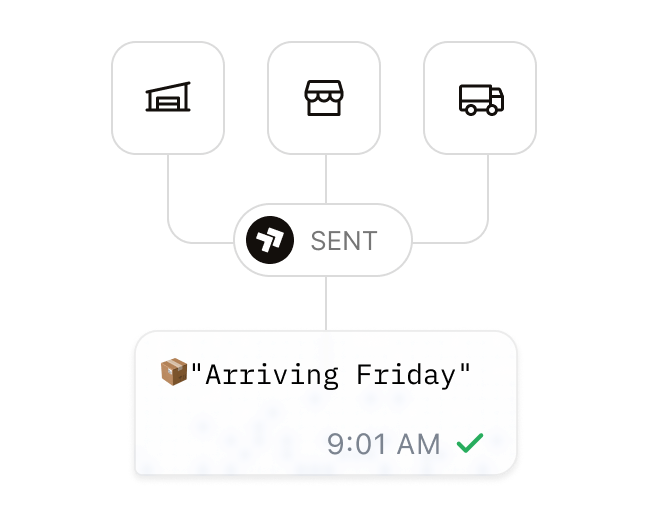
Systems tell different stories
Storefront, warehouse, carrier, and support tools can each hold a different version of the order state.
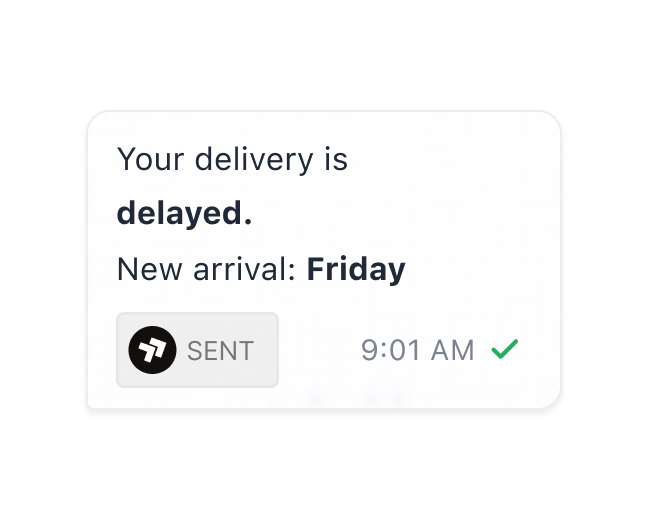
Exceptions arrive after trust is lost
A delay, failed delivery, or pickup problem needs a next step before the customer has to discover the issue alone.
Order events become customer-ready updates.

From operational event to customer clarity
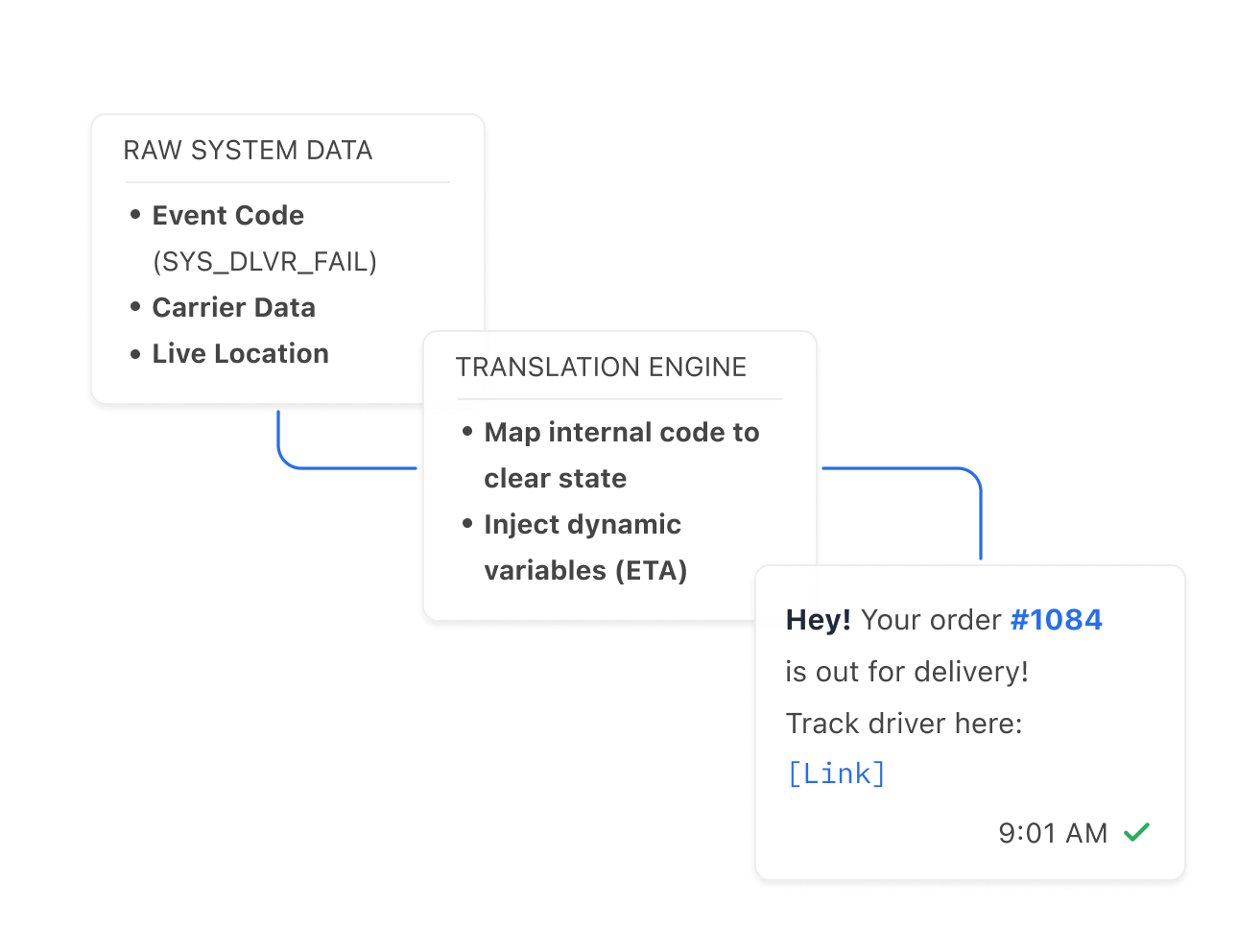
Your order and fulfillment systems remain the source of truth. Sent turns their events into the right template, channel, and delivery record for the customer.
Everything needed to keep customers informed.
Sent turns operational events into clear updates, useful actions, and a delivery history that product and support can trust.
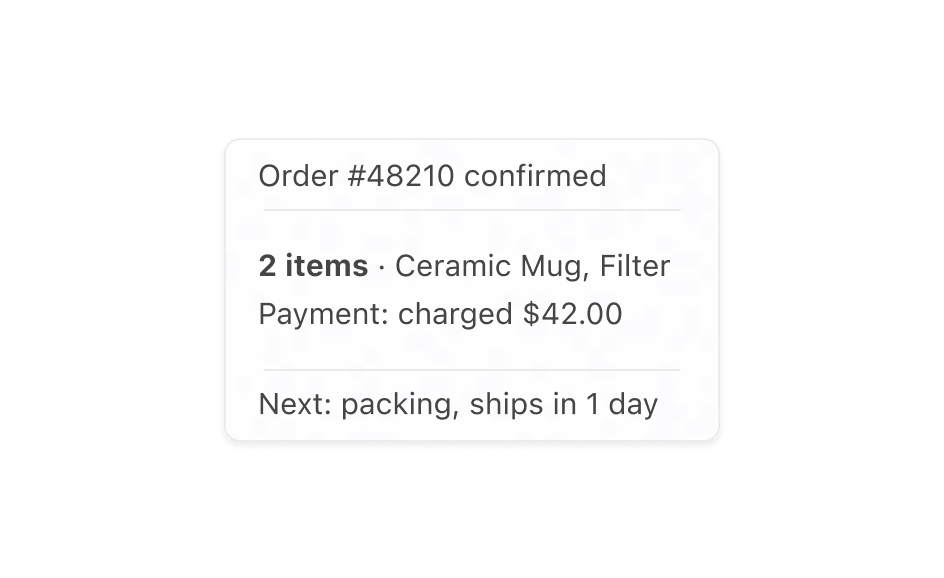
Confirm every order immediately
Acknowledge the purchase with the order number, item summary, payment state, and expected next step.
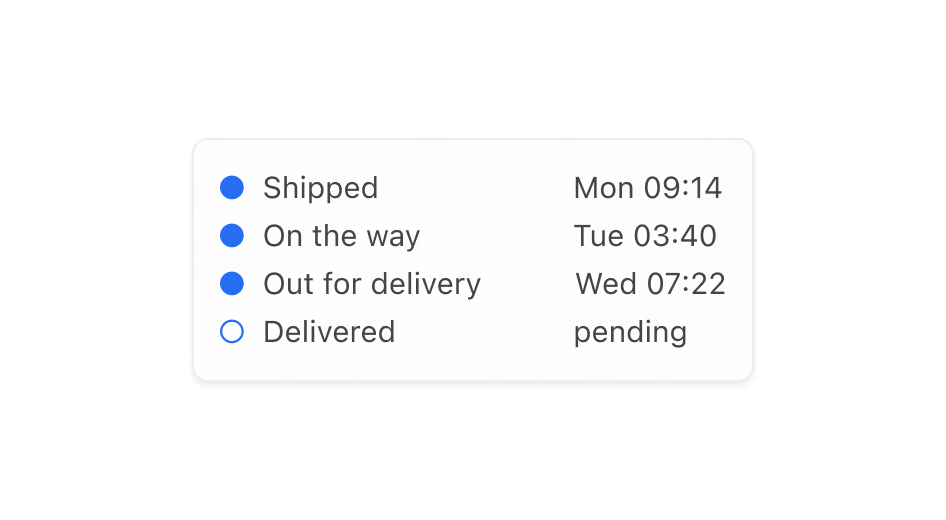
Translate shipment progress clearly
Turn warehouse and carrier codes into understandable shipment, pickup, out-for-delivery, and delivered updates.
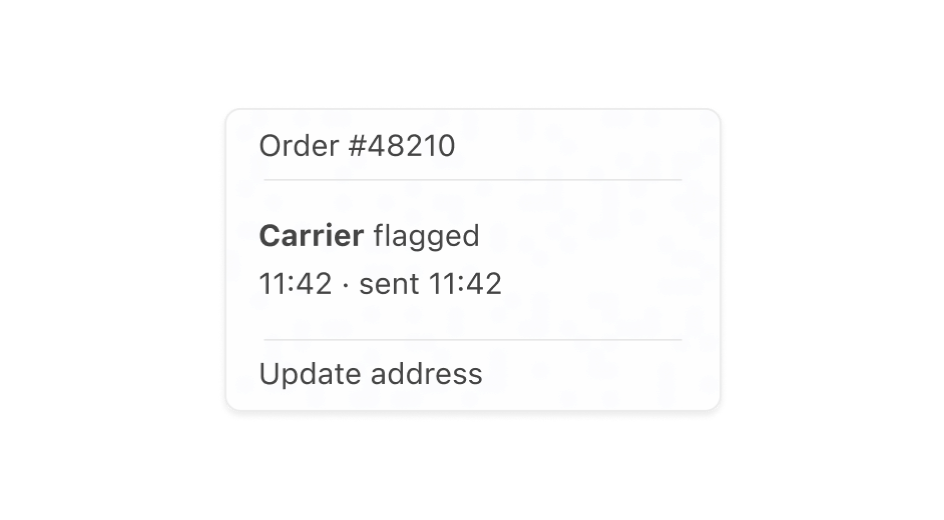
Surface exceptions before customers ask
Send delay, address, pickup, and failed-delivery alerts as soon as the source system marks action required.
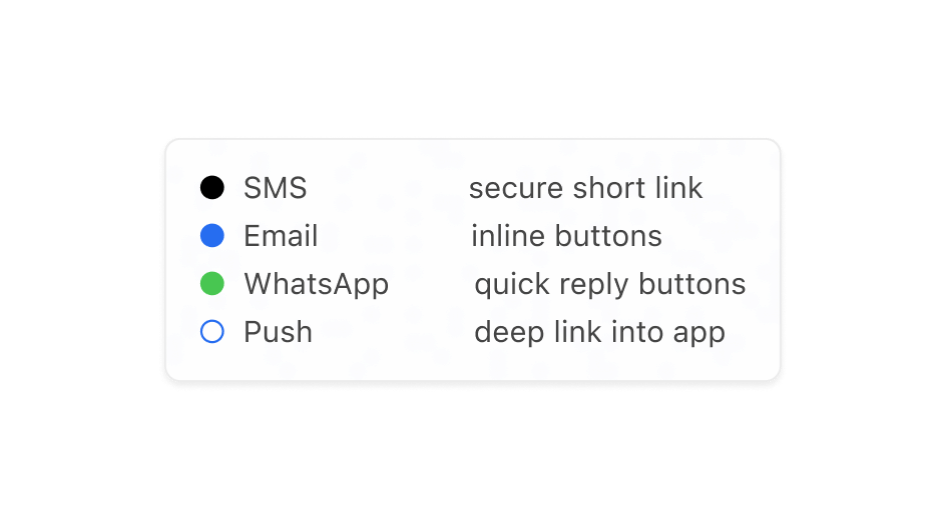
Put self-service in every update
Use channel-native actions or secure links for tracking, delivery preferences, pickup details, and support.
Keep every update aligned with the operational truth.
Reliable updates for a journey customers are already watching.
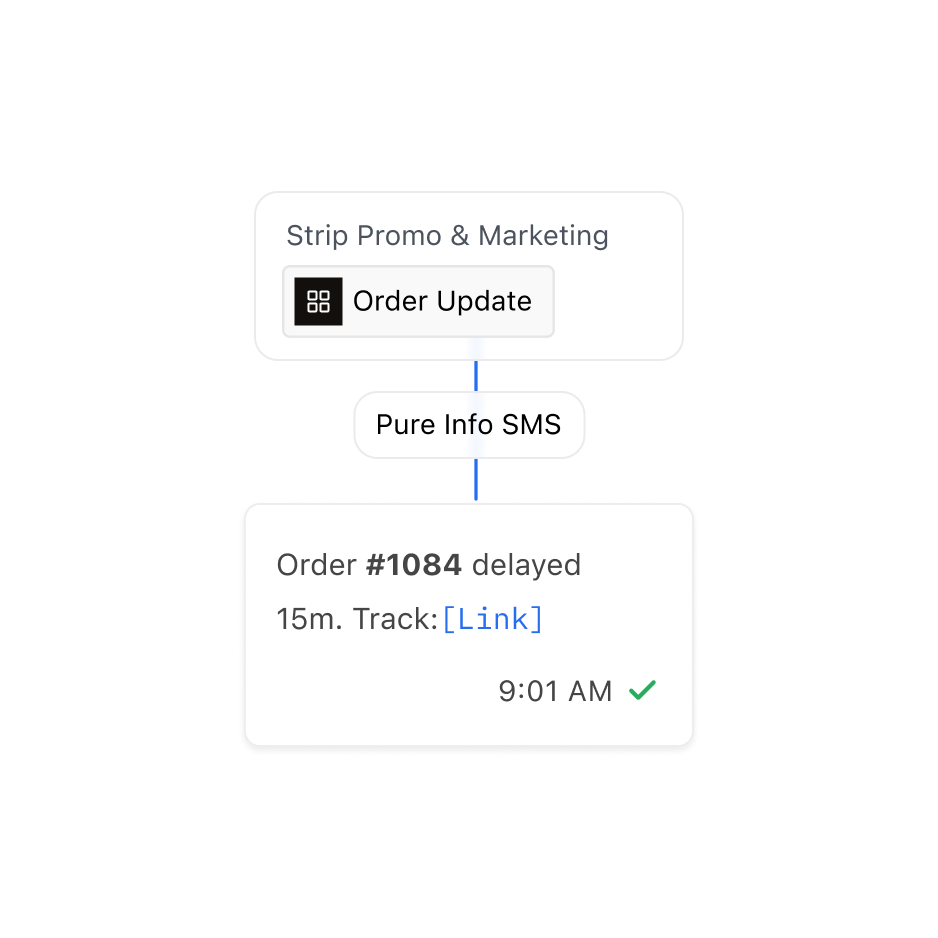
Keep order updates separate from marketing, use the correct template category, and include only information needed for the order journey.
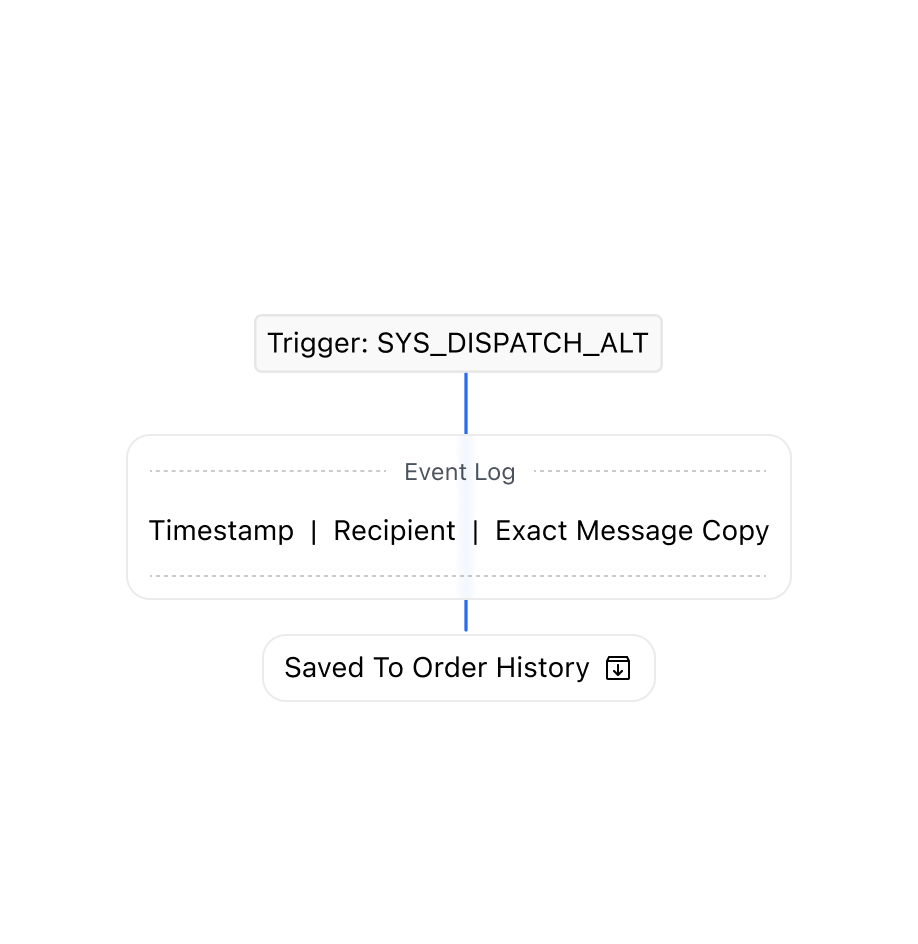
Every message carries the event that produced it, so support can see which operational state the customer was actually told about.
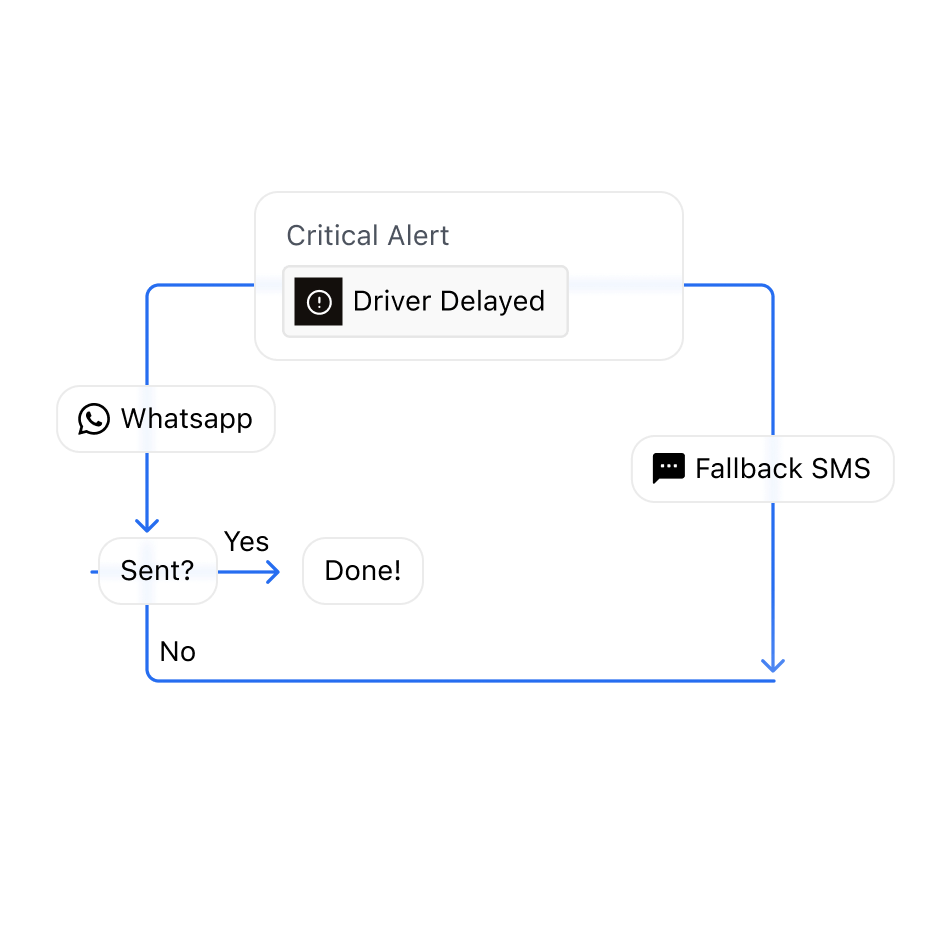
A delay or a failed delivery cannot wait for one route, so Sent can retry, switch provider, or fall back to another channel.
One API. Every channel.
Contact SalesFrequently asked questions
No. Your order and fulfilment systems stay the source of truth. When a shipment changes state, those systems call the Sent API, and Sent delivers the matching update to the customer. Order status lives in one place, and you change it there.
Create one Sent template for each state a customer cares about, such as shipped, out for delivery, delivered, or delayed. Your system maps its internal and carrier codes to those templates. The order number, delivery estimate, and tracking link are filled in at send time, so customers see plain language rather than carrier codes.
WhatsApp prices and reviews templates by category, and order updates belong in utility. A single promotional phrase can make Meta move a template to marketing. Sent reports that change to you as a category update. Keeping order templates factual keeps them approved as transactional.
Yes, through a link to your own secure page. Add a "Change delivery" button to the template: it shows as a tappable button on WhatsApp and a suggestion chip on RCS. On SMS, put the link in the message text. The change itself happens in your system, which remains the record for the order.
Store the Sent message ID with the order. Support can then look up the full message as sent, the channel it went out on, and its delivery status. Sent's webhooks also carry the message text, so your order timeline can show each update the customer received.
They can. Sent's quiet-hours rules are set per destination country and can be limited to specific channels and template categories. If an update falls inside a protected window, Sent holds it and sends it automatically when the window opens. Your system receives a notice for every held message, so you always know when an update was delayed.
Yes. On WhatsApp, on RCS, and on SMS numbers that accept replies, the customer's reply reaches your system with their phone number and the message text. Your team can look up the order and answer in the same thread. Sent sends the answer from the number the customer wrote to.