Make WhatsApp feel like part of your product.
Connect your WhatsApp Business Account and give customers rich, two-way conversations with a business they recognize. Sent handles the operational complexity behind every message.
- Interactive Buttons
- Rich Media
- Two-Way Conversations
- Customer Support
- Smart Routing
- Read Receipts
A familiar place for important customer conversations.
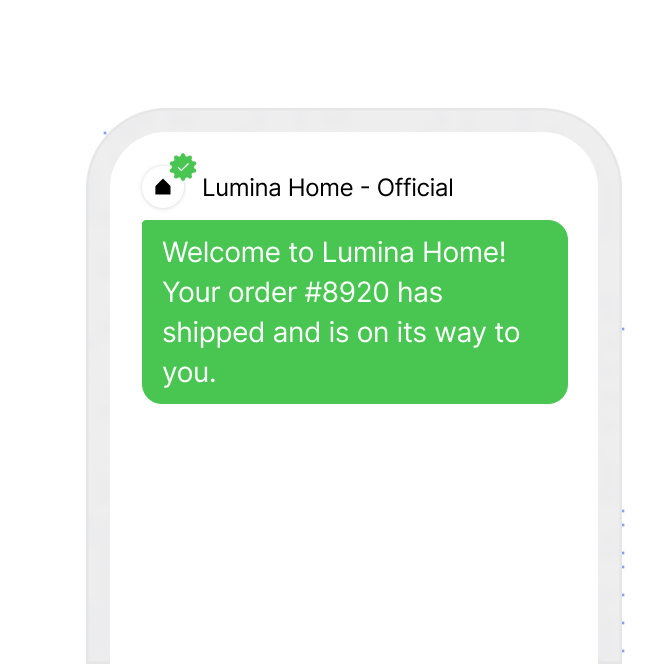
Recognizable from the first message
Communicate through your WhatsApp Business identity so customers immediately understand who is contacting them.
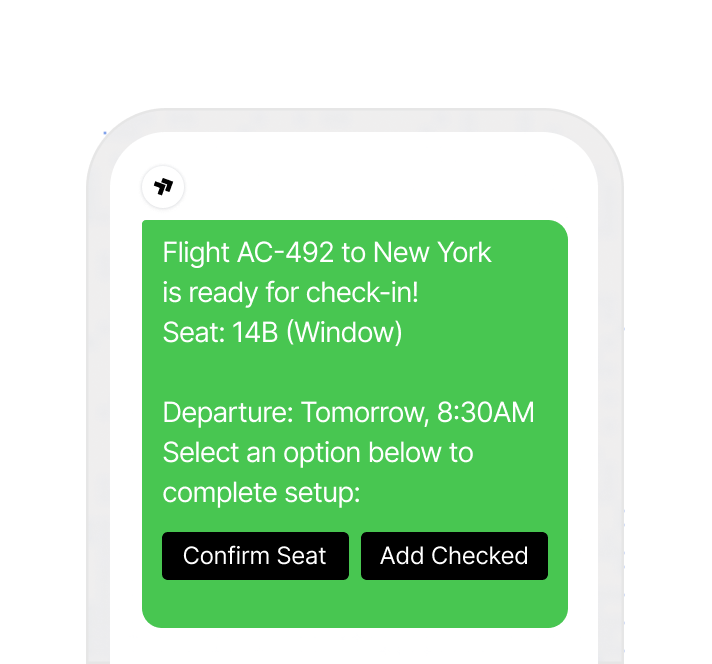
The next step is built in
Give customers the information and action they need without sending them through another channel or disconnected journey.
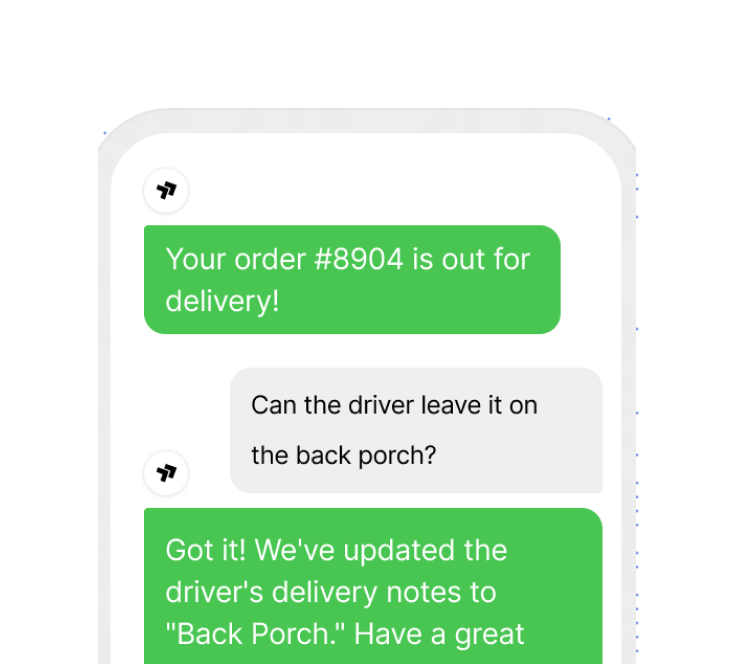
The conversation can continue
Let customers respond naturally and carry their reply into your product, automation or support workflow.
Turn product events into WhatsApp journeys.
Trigger the right conversation from the systems that already know what happened.
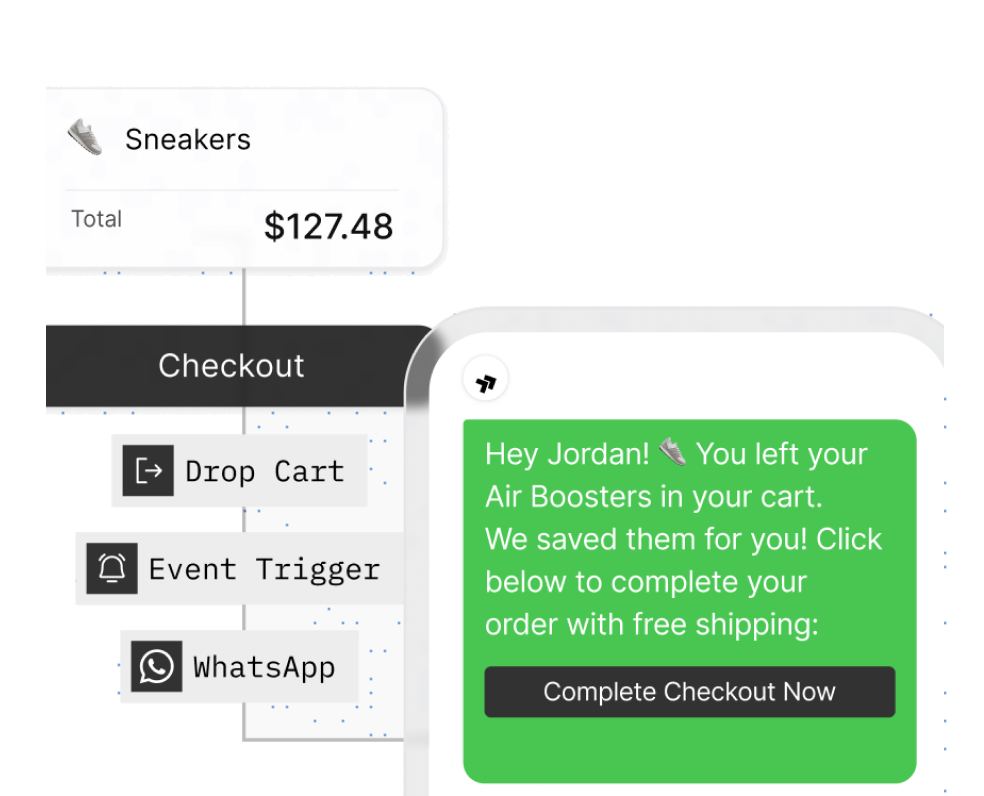
Bring shoppers back to checkout
When checkout stops, send the saved products, an offer where appropriate, and a direct route back to the customer cart.
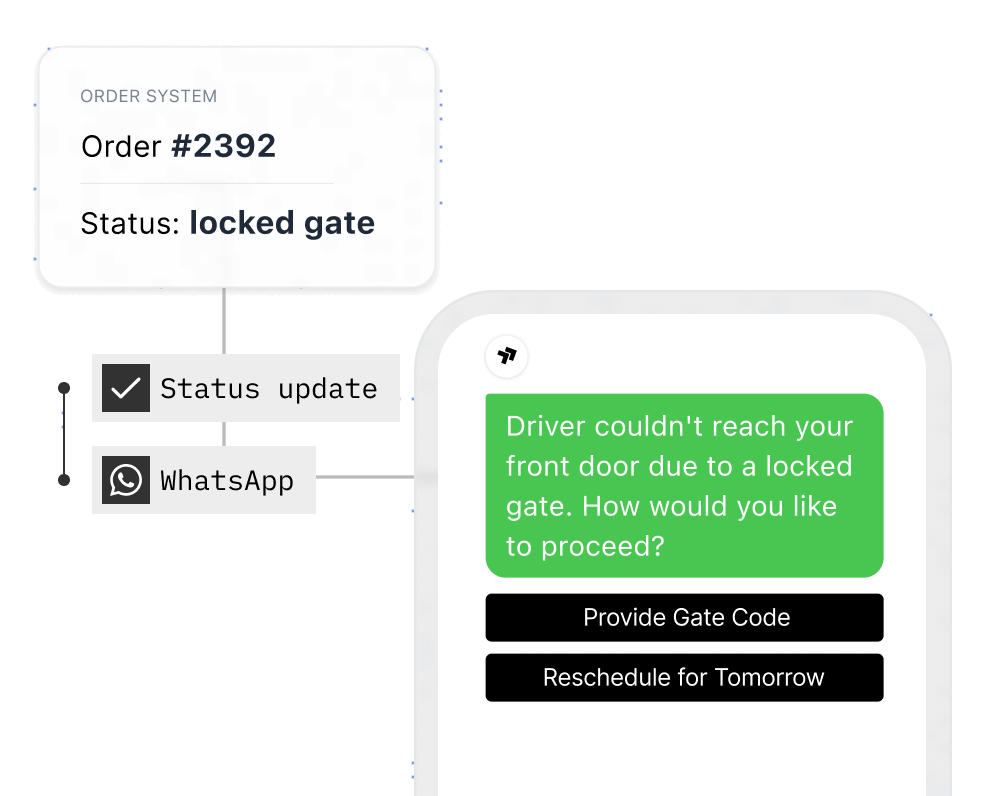
Keep every order moving
Send confirmations, shipping progress, delivery windows and exception alerts with a clear next action.
Verify accounts in context
Send approved authentication messages with a clear code, expiry and recognizable business identity.
Confirm appointments immediately
Let customers confirm, reschedule or view appointment details directly from the message.
Resolve support through replies
Receive customer responses and move the conversation into your product, automation or support system.
Messages people understand at a glance and act on immediately.
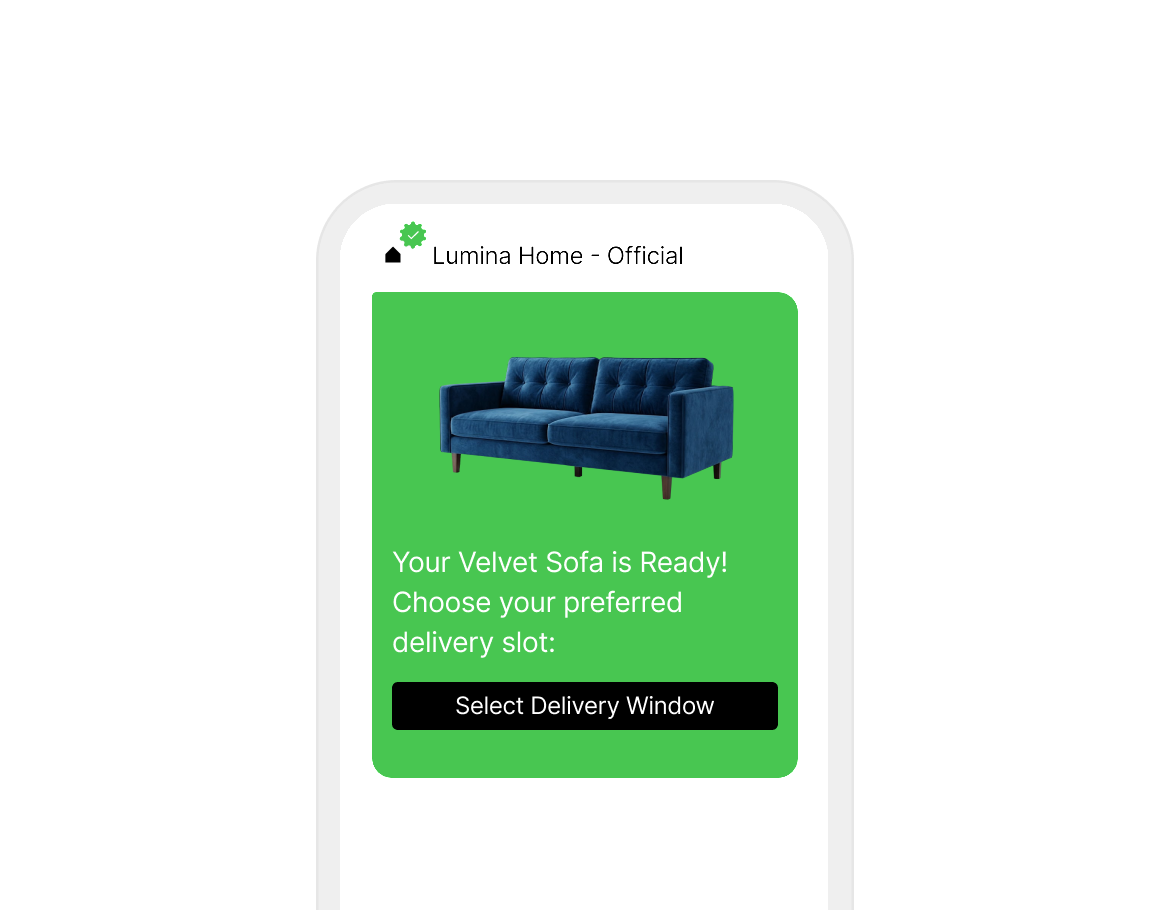
Combine structured content, customer data, rich media and channel-native actions to create messages that feel designed for WhatsApp.
Open with an image, video or document header so the message is recognizable before a single word is read.
From business setup to an approved send.
Bring WhatsApp Business setup, sender identity, template approval, consent and conversation rules into one managed workflow.
Connect WhatsApp Business
Link an existing or new WhatsApp Business Account and attach the sender identity your customers will see.
Create and submit templates
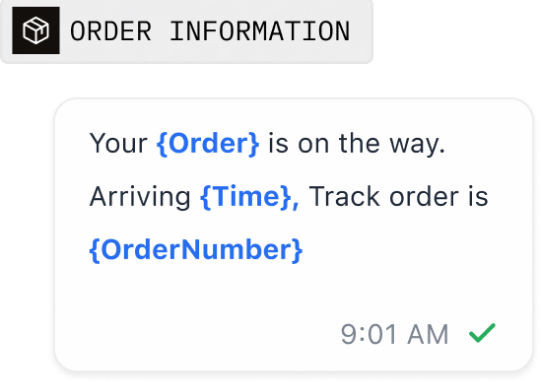
Build the message with variables, media and actions, then submit it to Meta and follow its approval state.
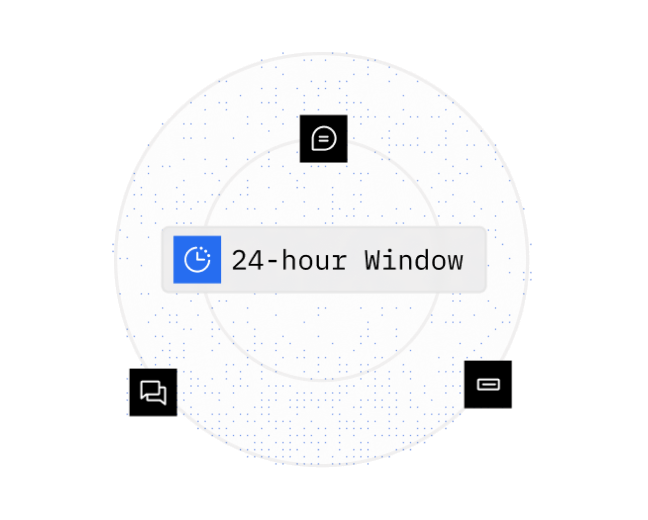
Manage active conversations
Know when an approved template is required and when a customer reply has opened the 24-hour service window.
- WhatsApp Business Account
- Meta template approval
- Consent controls
- Conversation-window rules
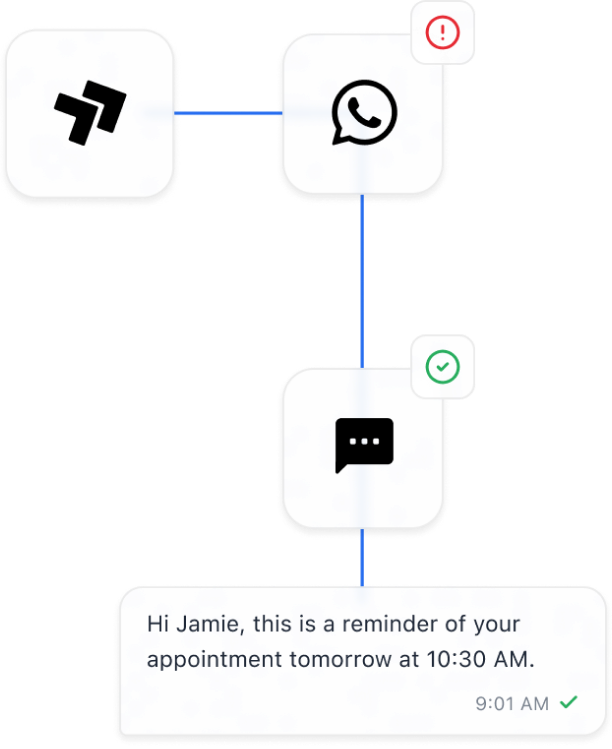
Send once. Let Sent handle the route.
Trigger a WhatsApp message with one API request. Sent checks consent and availability, then uses the configured fallback when WhatsApp cannot deliver.
Explore the API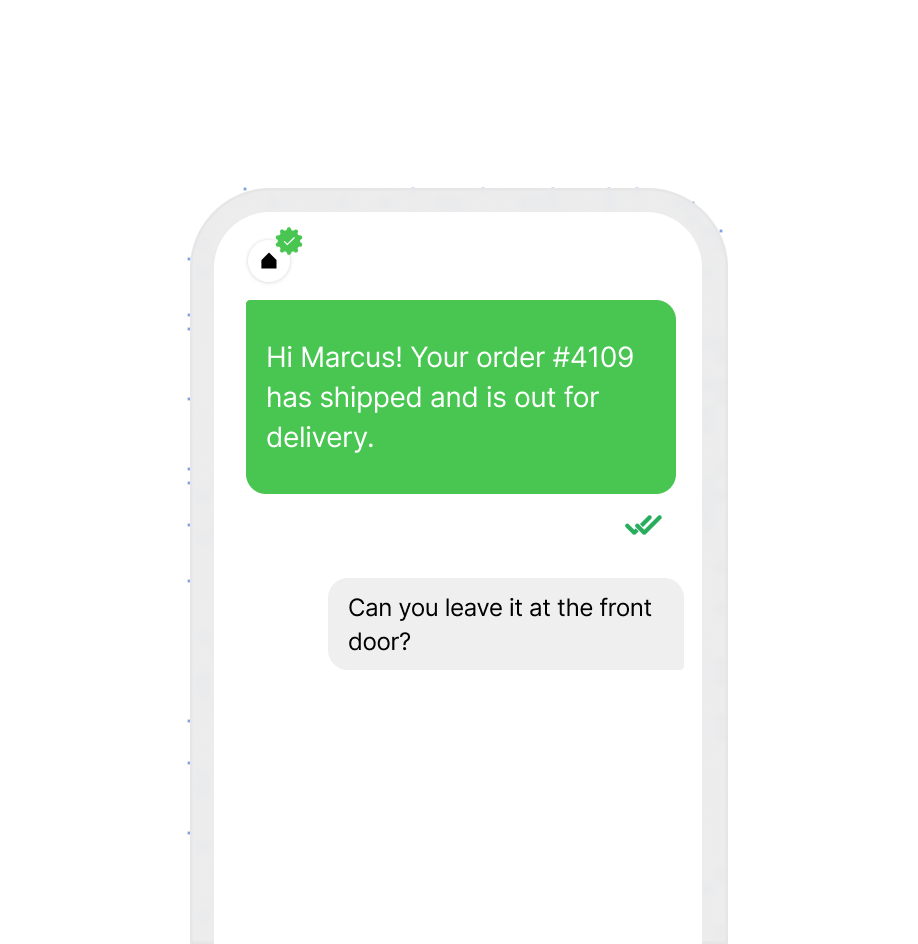
Know what happened after every send.
Track every message from queued to delivered, read, or failed, and receive customer replies in your product through real-time webhooks.
Explore webhooksThree channels. One consistent way to send.
Use SMS, WhatsApp, and RCS through the same API, templates, routing system, and delivery data.
SMS
Reach almost any phone with fast, reliable messages for authentication, alerts, reminders, notifications, and campaigns.
Read MoreWhatsApp
Create rich, two-way customer experiences with templates, media, conversations, and official WhatsApp Business delivery.
RCS
Send branded messages with images, buttons, cards, and carousels, with automatic SMS fallback when RCS is unavailable.
Read More
Frequently asked questions
You need four things: a verified Meta Business Account, a Facebook account with admin access to it, a phone number that isn't linked to another WhatsApp Business Account, and a Sent account that has passed KYC review. In the Sent dashboard, you select Log in with Meta, choose or create a WhatsApp Business Account, and grant Sent permission to send on it.
Yes. When you connect WhatsApp, Sent lets you send from a number already on your WhatsApp Business Account, register your Sent SMS number, register your own number, or get a new number from Sent. Using your SMS number means customers see the same number on SMS, WhatsApp, and RCS. A number can belong to only one WhatsApp Business Account at a time.
WhatsApp requires an approved template for any conversation your business starts. Sent submits your templates to Meta, tracks each review, and reports approvals, rejections, category changes, and quality ratings to your webhook. Approval typically takes 24 to 48 hours. Keep utility templates free of promotional language so Meta doesn't recategorize them as marketing.
The 24-hour window is Meta's rule: you can send free-form WhatsApp messages only within 24 hours of the customer's last WhatsApp message to you. Sending a template doesn't open the window; only the customer can. When the window is closed and Sent is choosing the channel, Sent sends the message over RCS or SMS instead. A send pinned to WhatsApp fails with a clear error code.
A WhatsApp message from Sent can open with an image, video, or document header, followed by a personalized body, a footer, and interactive buttons such as quick replies and links. WhatsApp shows the full layout and reports read receipts. If the same template is delivered by SMS instead, the customer receives the body text.
Every customer reply on WhatsApp reaches your product as a message.received webhook, with the text, the channel, and the customer's number. Sent groups a customer's messages into one conversation across channels, so a reply on WhatsApp and a later one on SMS appear in the same thread. A STOP reply on WhatsApp opts the customer out of all channels.
Sent checks each number's WhatsApp registration before routing, so customers without WhatsApp are reached on another channel. When Sent is choosing the channel and a WhatsApp delivery fails on the recipient's side, Sent reroutes the message, typically to SMS.
One API. Every channel.
Contact Sales